Customer Service & AI Chatbot
JaMake· Made by JaMake
Answer customers from your website, LINE and Telegram in one Inbox, with an AI that replies first from what you know and hands over to your team, and takes…
Customer serviceAI chatbotInboxOrders
- Version
- 1.4.2
- Ready in
- ~3 min
- AI credits to create
- 20
- Languages
- 8
New organizations get 30 free AI credits — enough to create this app.
About this template
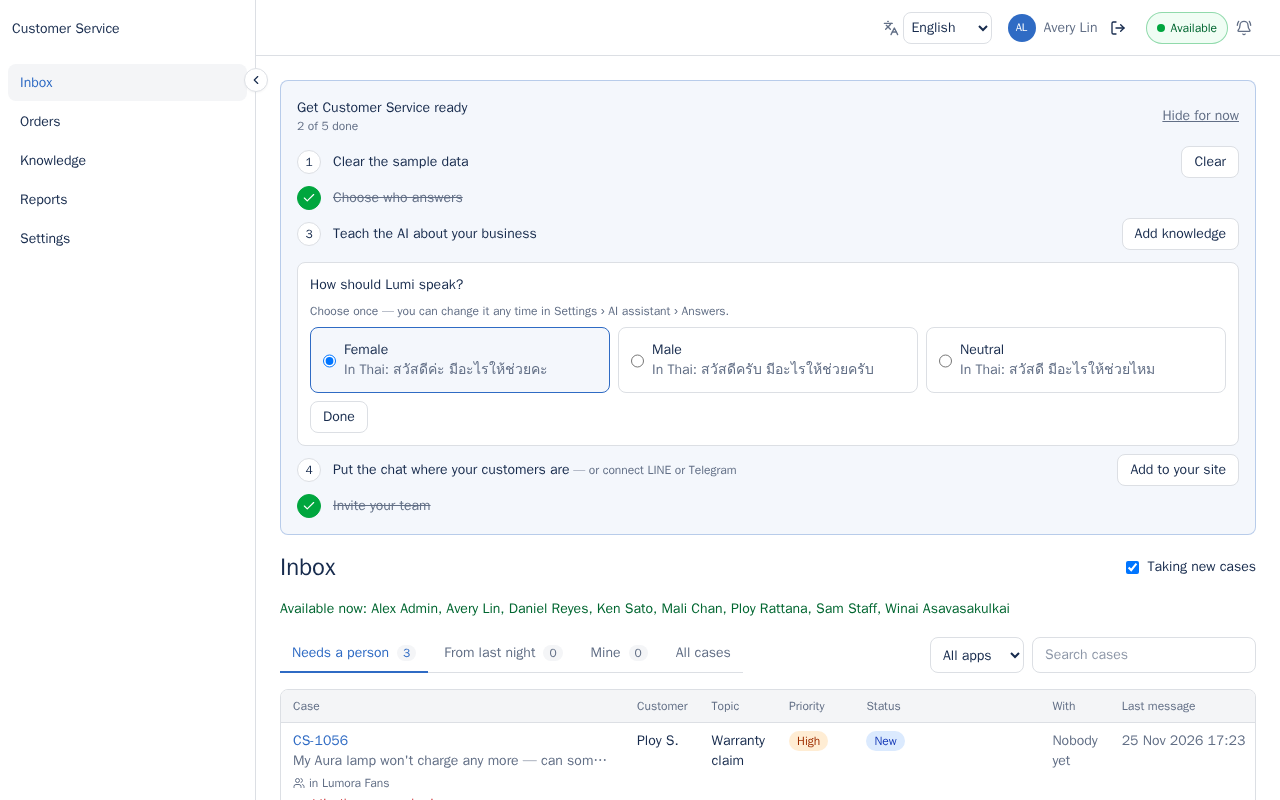
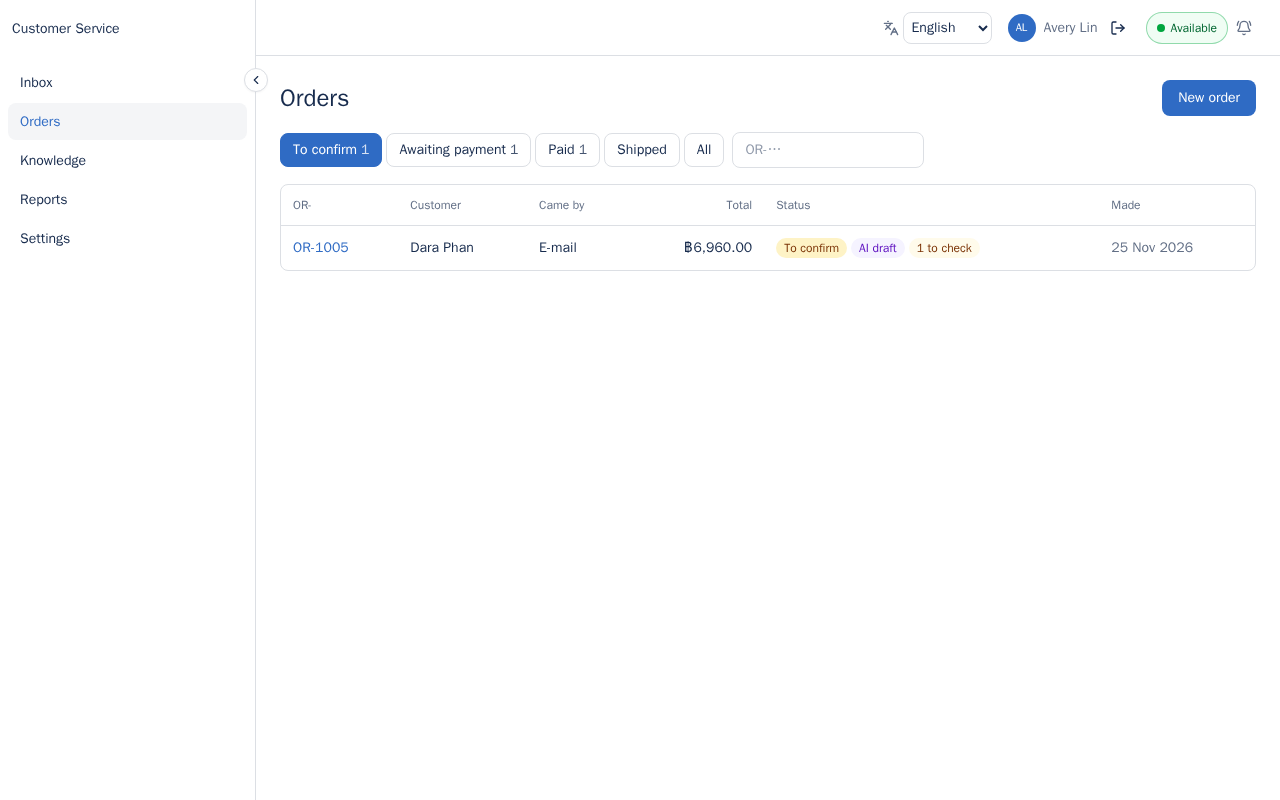
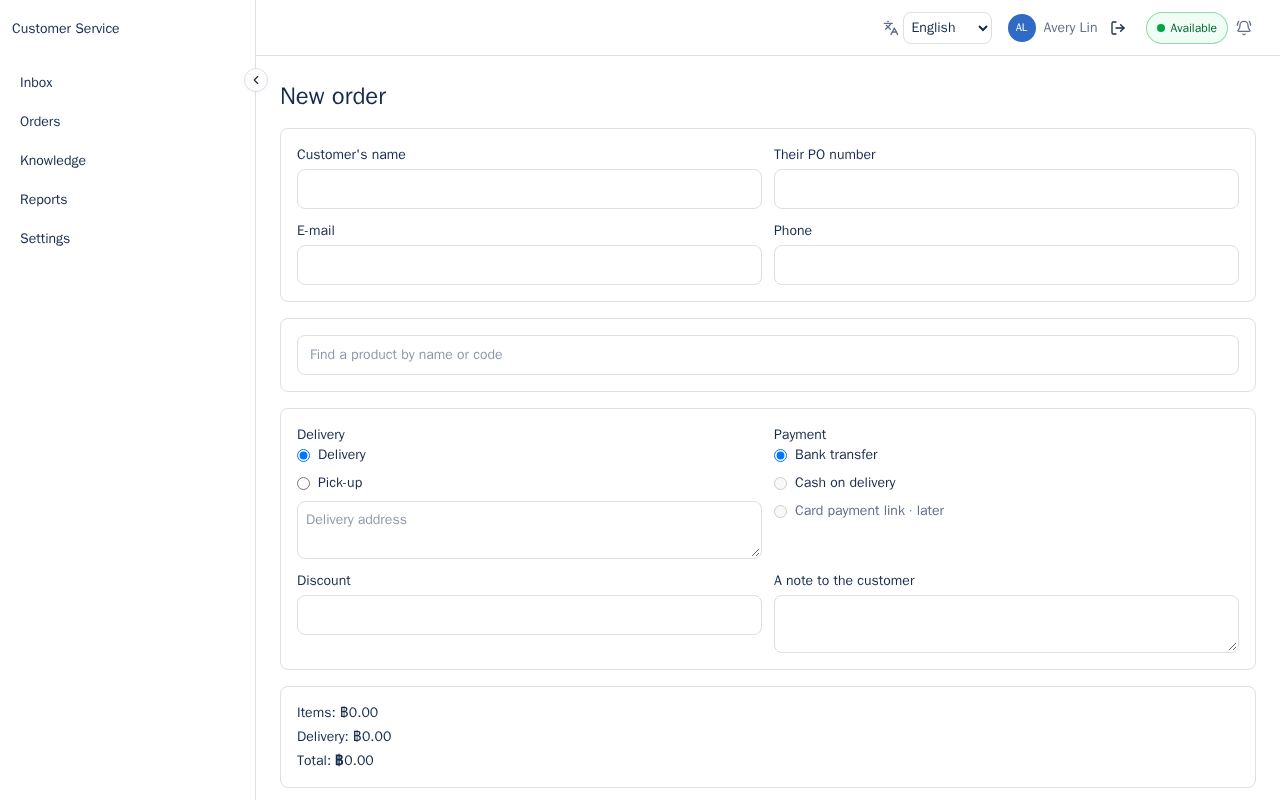
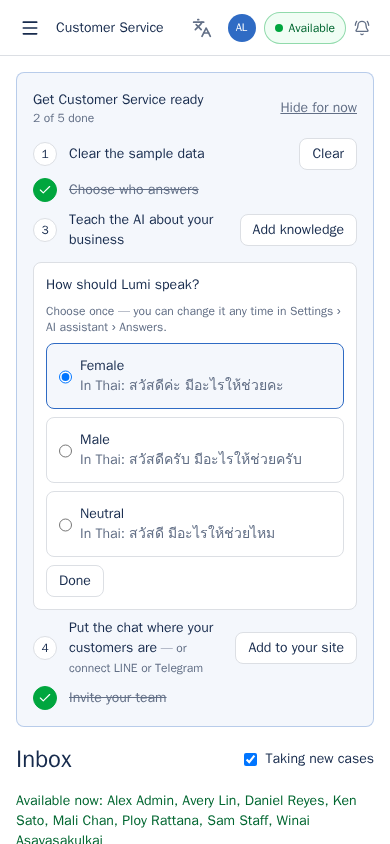
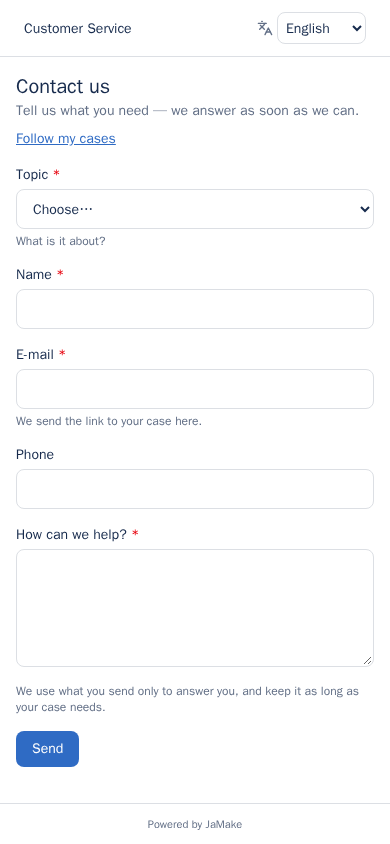
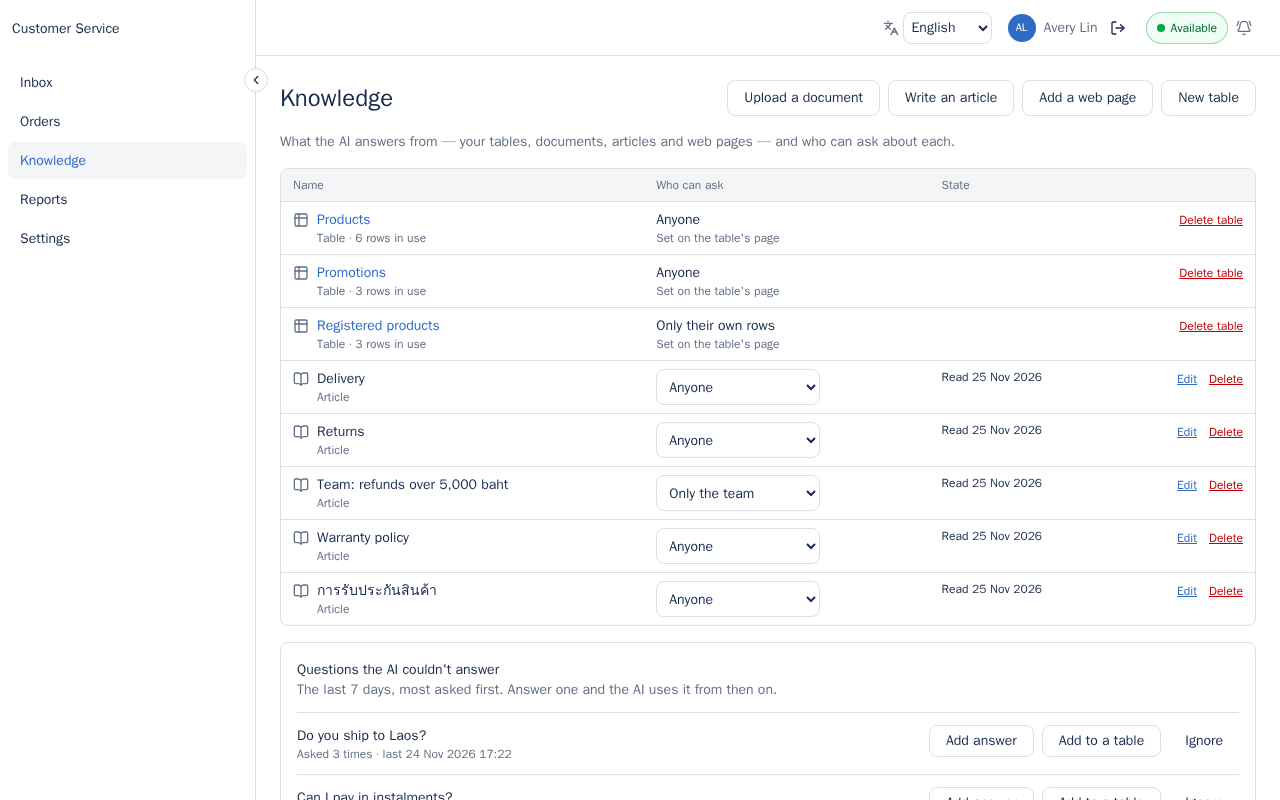
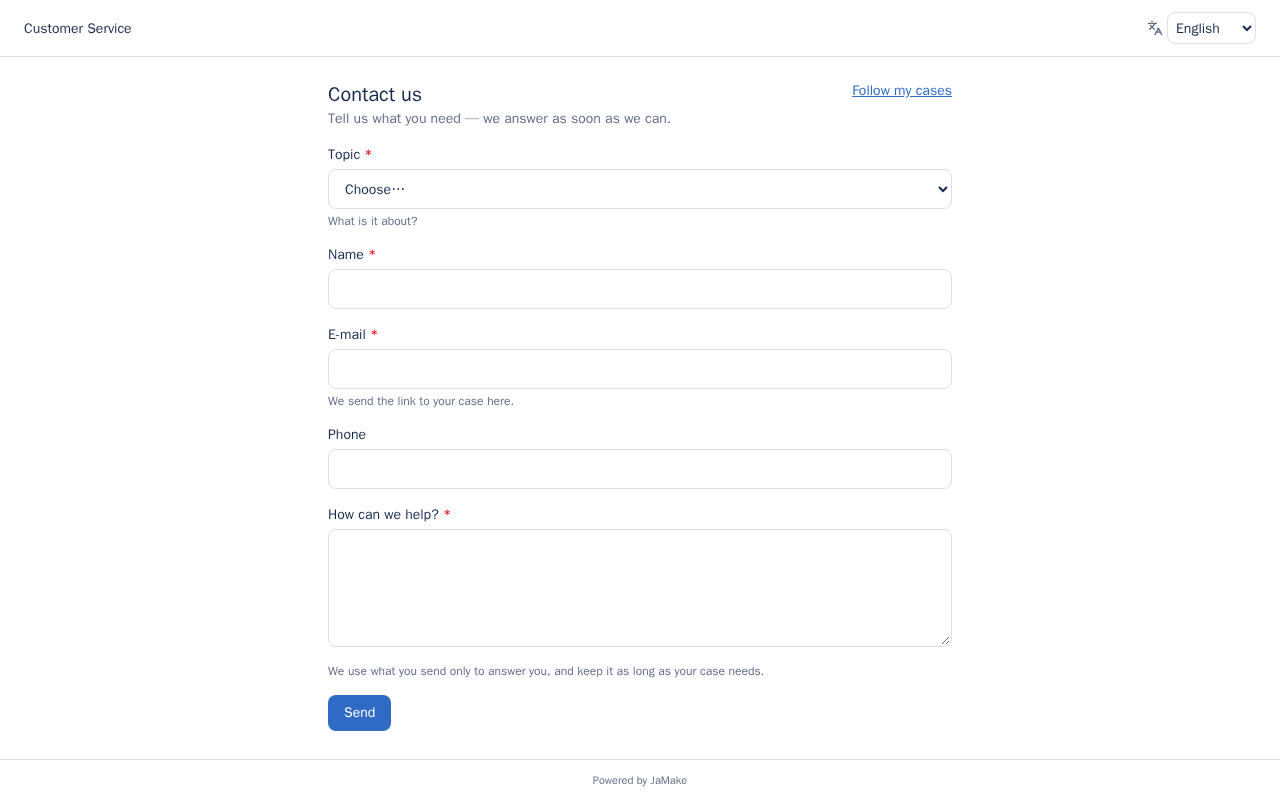
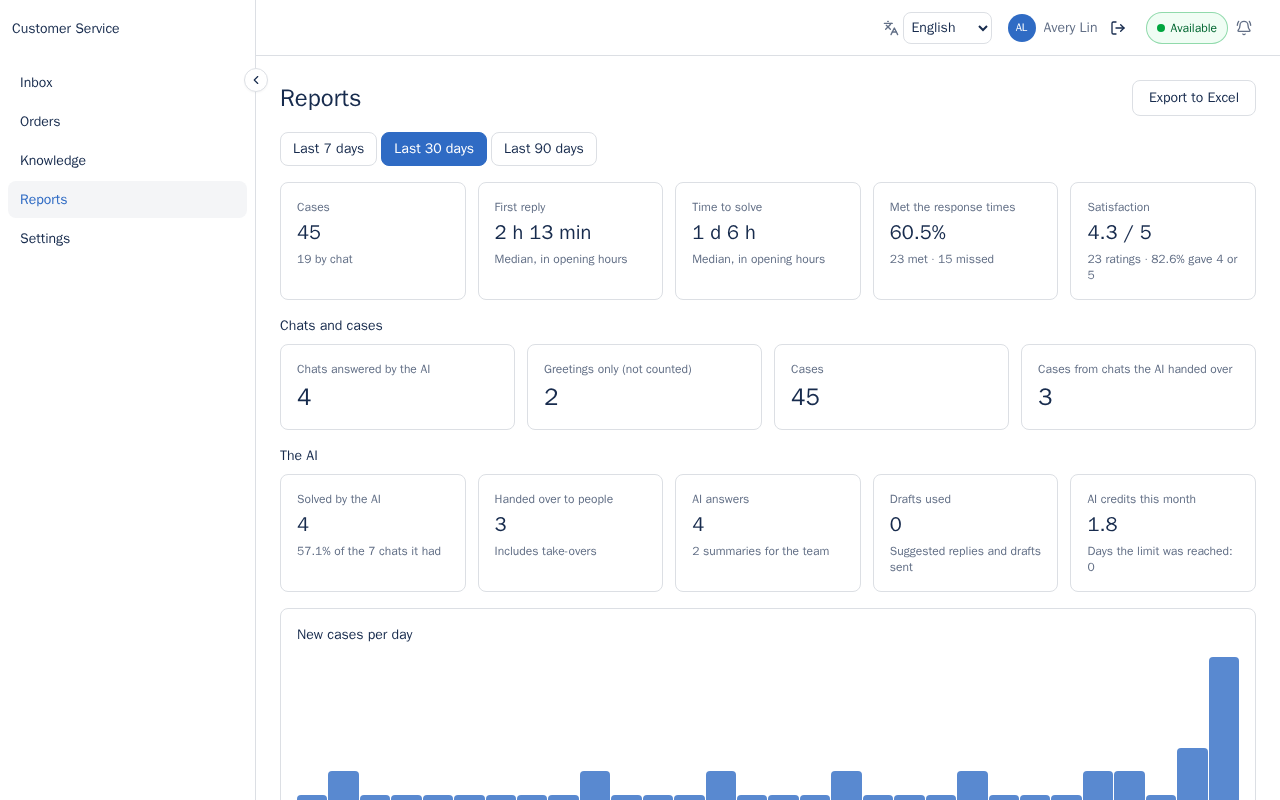
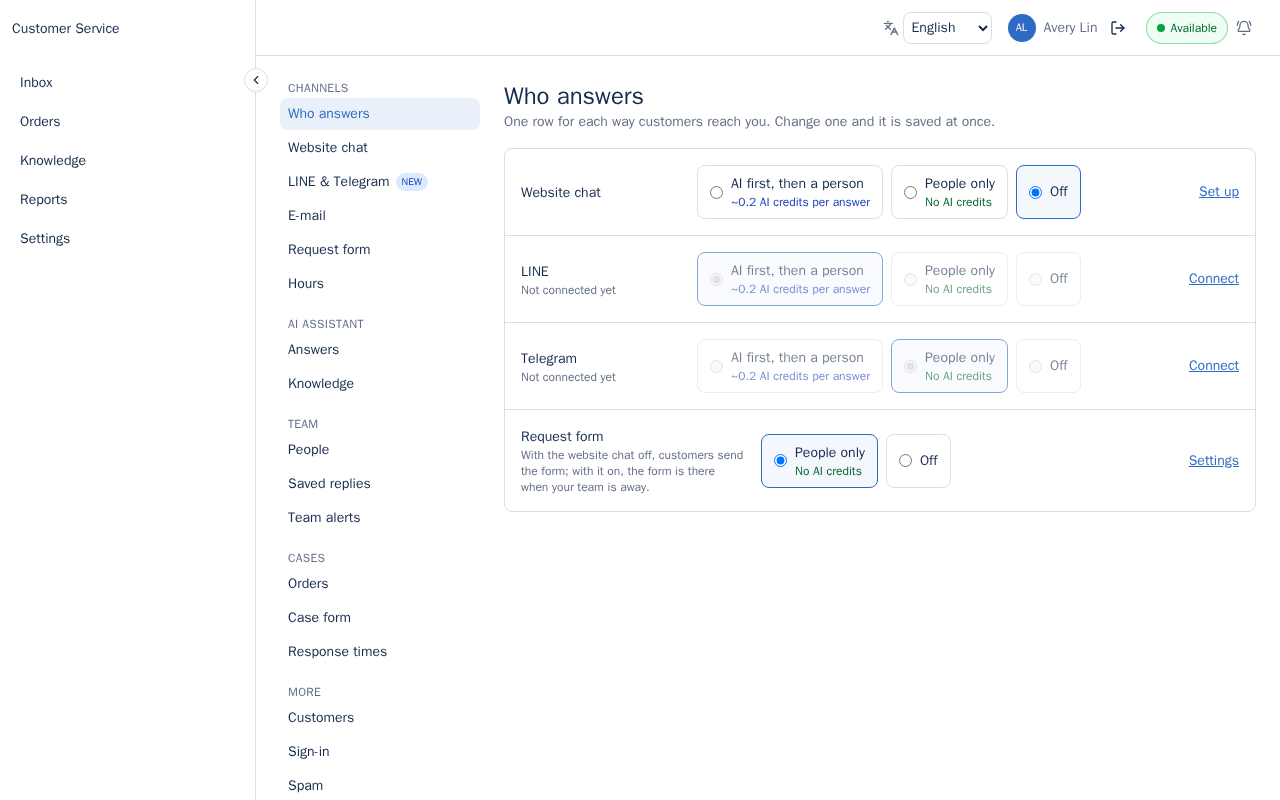
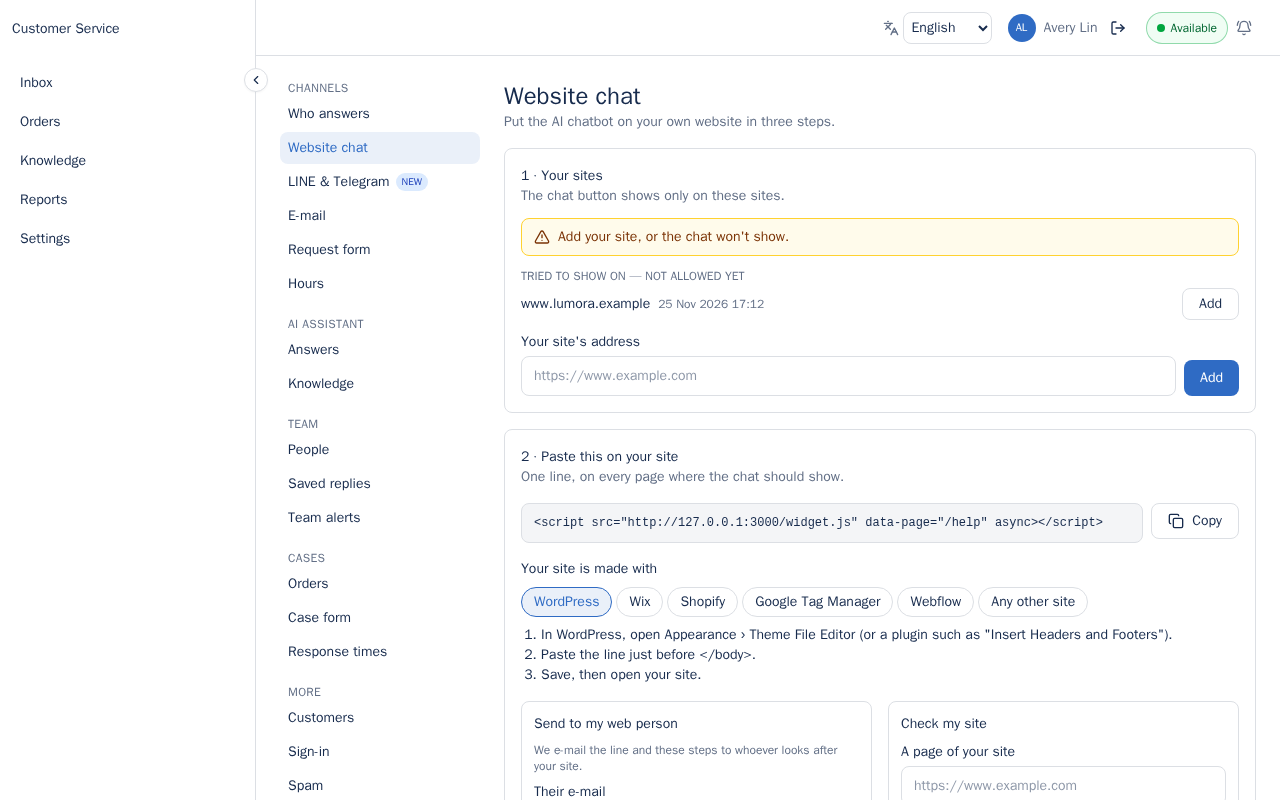
A customer service desk and AI chatbot where customers reach you from your website, LINE and Telegram, and every request becomes a case your team answers from one Inbox. Connect your shop's LINE Official Account and a Telegram bot in Settings › Chat apps — your keys are kept only by JaMake — and choose who answers on each app: the AI first, then a person, or people only; LINE and Telegram customers get the AI's answers with "It worked" and "Talk to a person" buttons, the link to their case, and your team's replies from your shop's account, in their language, while LINE's free replies are used whenever they can be and its plan's messages stay visible. Choose how: Submit only, Live chat with people, or Live chat, AI first — the AI assistant answers at any hour from your knowledge (your tables of promotions, prices, orders and registered products, your documents, articles and web pages), in the customer's language, names its source, never makes up a price, a date or a case status, and hands over to a person when the customer asks, the knowledge doesn't have it, the customer is upset or a topic you list comes up. "Talk to a person" is always there, and anyone on the team can take over at any moment. Your team gets an AI summary at the top of each case, a suggested reply and Draft with AI, and reads every message in their own language while replies reach the customer in theirs. Knowledge lists everything the AI answers from with who can ask, and the questions it couldn't answer so you can add the answer. What uses AI credits: the AI's chat answers, case summaries, suggested replies and drafts, and photos the AI looks at when you turn that on — each shown with its credits, under a daily limit you set; at the limit, or without AI credits, new chats go to your team. Submit only and Live chat with people use no AI credits, and translating messages is free. You choose the fields customers fill, in your order, with patterns and fields that show only for some topics; customers stay signed out with a link to each case or sign in with an e-mail code or Google; photos are checked and cleaned; spam is stopped inside the app. Teams share new cases by turns or to the least busy; response times in opening hours warn before they are late. Reports show cases per day, first reply, time to solve, response times met, satisfaction and the AI's figures — solved by the AI, handed over, credits this month — and export to Excel. Who answers is set once per way in — the website chat, LINE, Telegram and the request form, each AI first, people only or off; the website chat goes on your own sites in three steps with Check my site; a case reads like a chat with the AI's to-do line and one reply box (Write with AI, saved replies with /); the team is on one page with invitations by e-mail; hours count in your time zone with your country's public holidays; settings are one list saved as you go; and Get ready walks you from the sample data to a clean start in five steps. The assistant answers in the customer's own language every time, tells customers about their own cases only (numbers and statuses only in a LINE group), and speaks as a woman (ค่ะ), a man (ครับ) or neutrally, as you choose. Every page speaks eight languages, and works on a phone. Orders from chats and e-mail (1.4.0): a Products table (options, prices, stock), delivery and payment rules, and the AI off, drafting for your team or taking the order with a summary the customer confirms — a person confirms every order, and each status is told to the customer in their language. Files are read the cheapest way first (Excel by code, a PDF's text, OCR); e-mail comes in by Microsoft, your mail server or forwarding.
Gives customers one place to reach you by website chat, LINE, Telegram or a request form. Every request becomes a case your team answers from one Inbox. The AI answers at any hour from your own tables, documents and articles, in the customer's language, and hands over to a person when needed. It can also help with orders from chats and e-mail.
Good for
- Customer support
- Website chat
- LINE and Telegram shop help
- Order taking from chats
- Product and promotion questions
- Warranty and registered product questions
What it does
- Website chat, LINE, Telegram and request form all land in one Inbox
- Choose per channel: AI first, people only, or off
- AI answers from your tables, documents, articles and web pages, names its source and never invents prices, dates or case statuses
- Customer can always ask for a person, and your team can take over at any time
- AI summary, suggested reply and Draft with AI for your team, with messages translated both ways
- Your own case form fields, opening hours, response time warnings and turn-based or least-busy case sharing
- Knowledge page shows what the AI answers from and the questions it could not answer
- Orders from chats and e-mail with products, stock, delivery and payment, confirmed by a person
Who uses it
Agents
Answer cases and chats, use AI summaries and suggested replies, and manage orders
Leads
Watch the Inbox, share out cases, check reports and keep knowledge up to date
Admins
Set who answers on each channel, connect LINE and Telegram, set hours, form and AI
Viewers
Read reports on cases, response times and satisfaction
Customers
Chat or fill in the form, and follow their own cases
What's new in 1.4.2
- Checked on an app upgraded from 1.3.4 as well as on a new one — nothing you see changes
- The sample shop now has products and orders, so you can try Orders at once — Clear sample data removes them with the rest of the sample
- Orders from chats and e-mail: a Products table (options that change the price, stock, shown or hidden — imported from Excel), delivery and payment on Settings…
- Choose how much the AI does with orders: off (your team records them), drafting orders for your team, or taking the order in the chat — it asks what's missing,…
- Each status tells the customer on the same channel, in their language: the confirmation with your bank account, slip received, paid, shipped with a tracking nu…
Questions
Can I try it before paying?
Yes. A new organization gets 30 free AI credits — no card required. Create the app, look around its sample data, and choose a plan only when you want to keep it running.
Can I change it?
Yes. Describe a change in your own words — a field, a step, a report — and JaMake shows you the change before it goes live. You apply it when you are happy.
Can I download the code?
No — JaMake runs, backs up and updates it for you. Your data can always be exported to Excel or CSV.