No-code Workflow & AI Assistant
JaMake· Made by JaMake
Design your own approval workflows and forms without code, or describe them to AI. Inbox, deadlines, dashboard, reports and PDFs for purchases, leave…
ApprovalsWorkflowsFormsAI
- Version
- 1.3.0
- Ready in
- ~3 min
- AI credits to create
- 20
- Languages
- 8
New organizations get 30 free AI credits — enough to create this app.

About this template
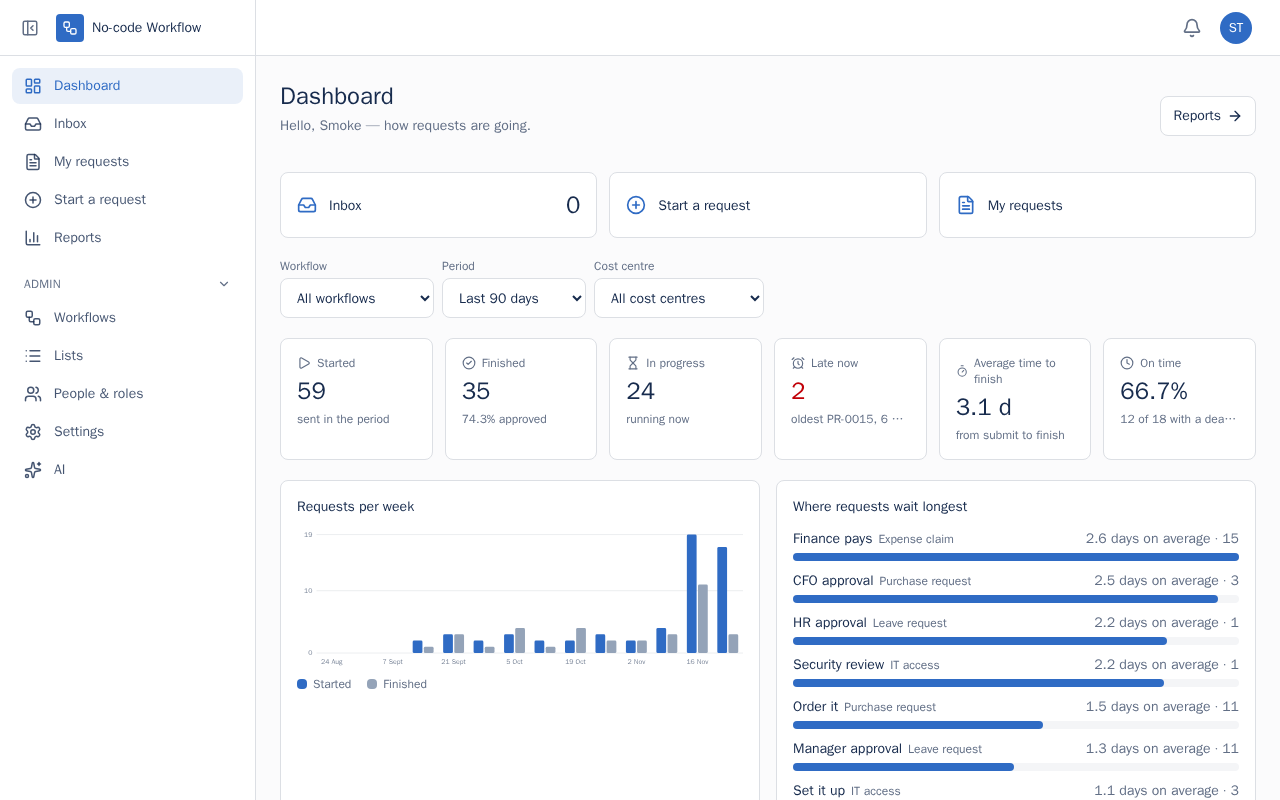
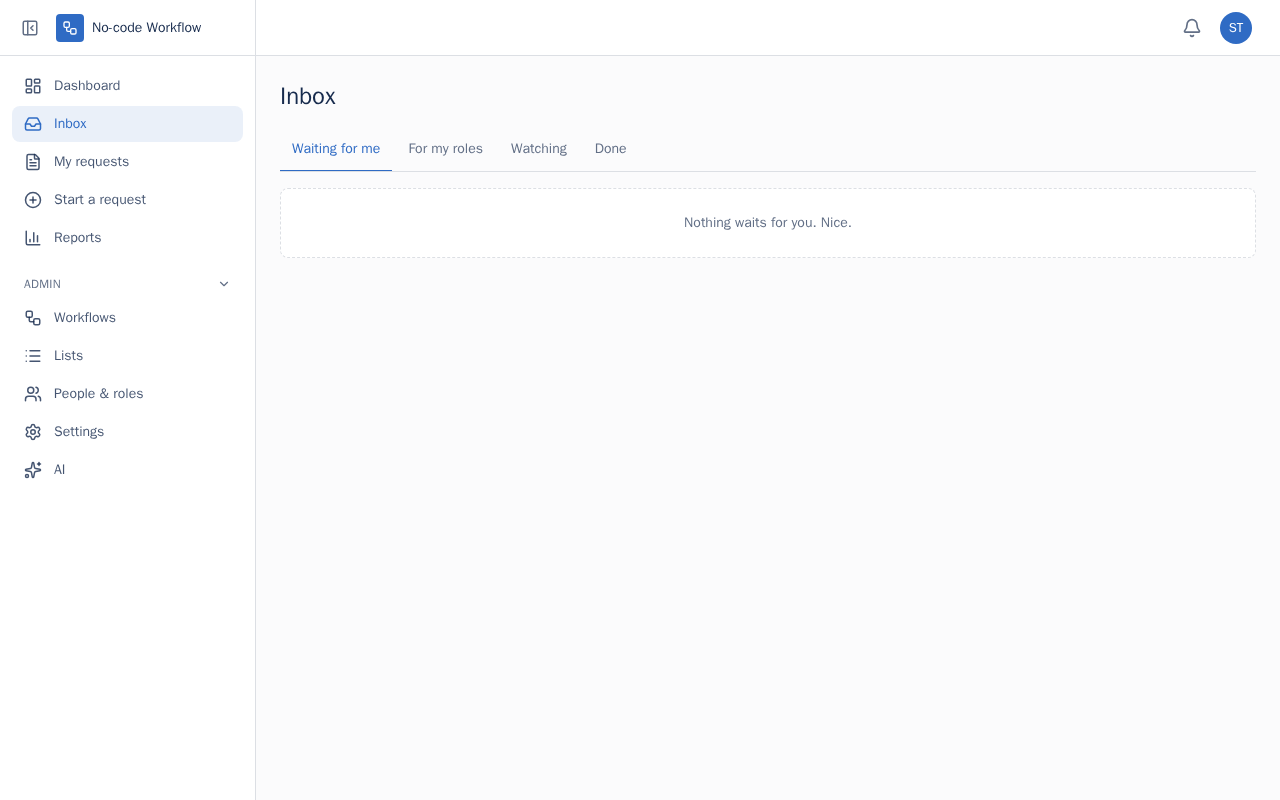
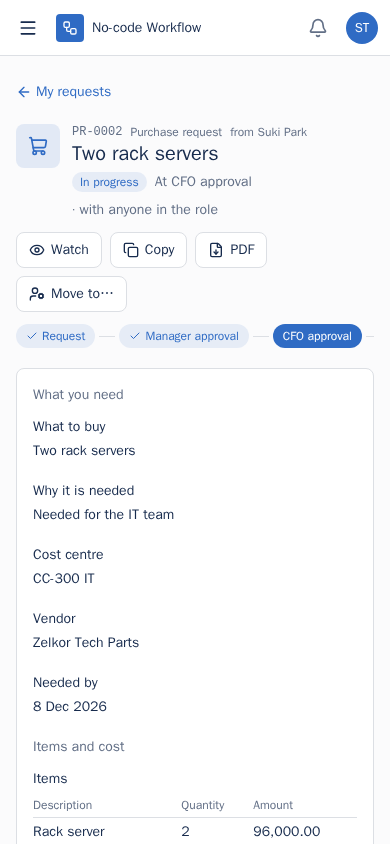
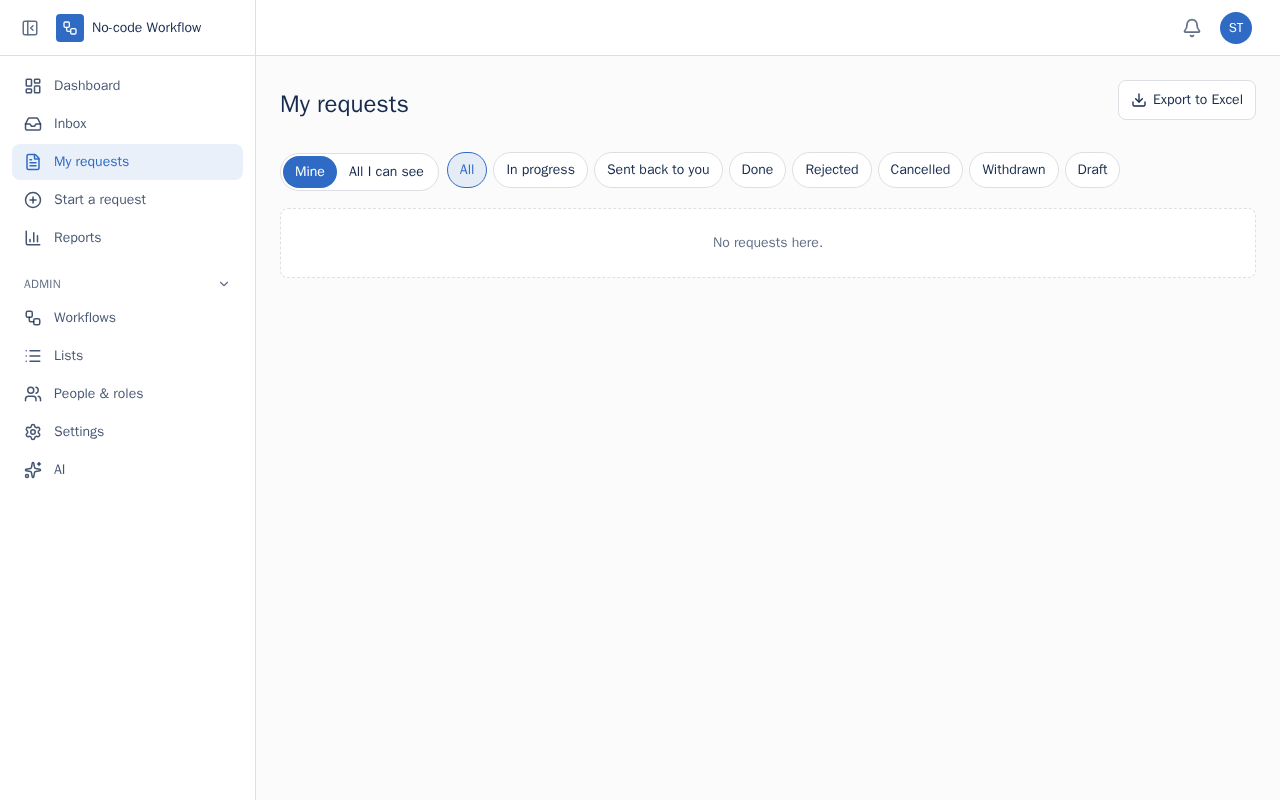
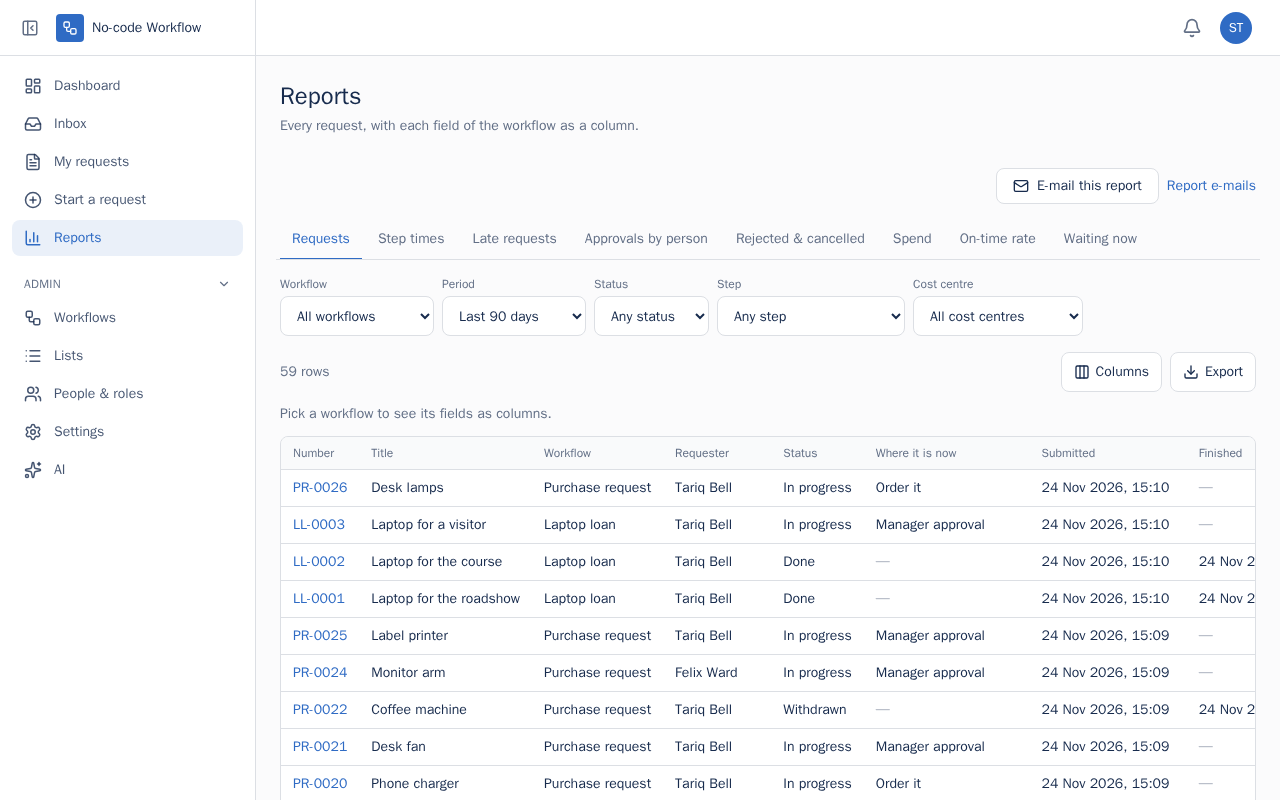
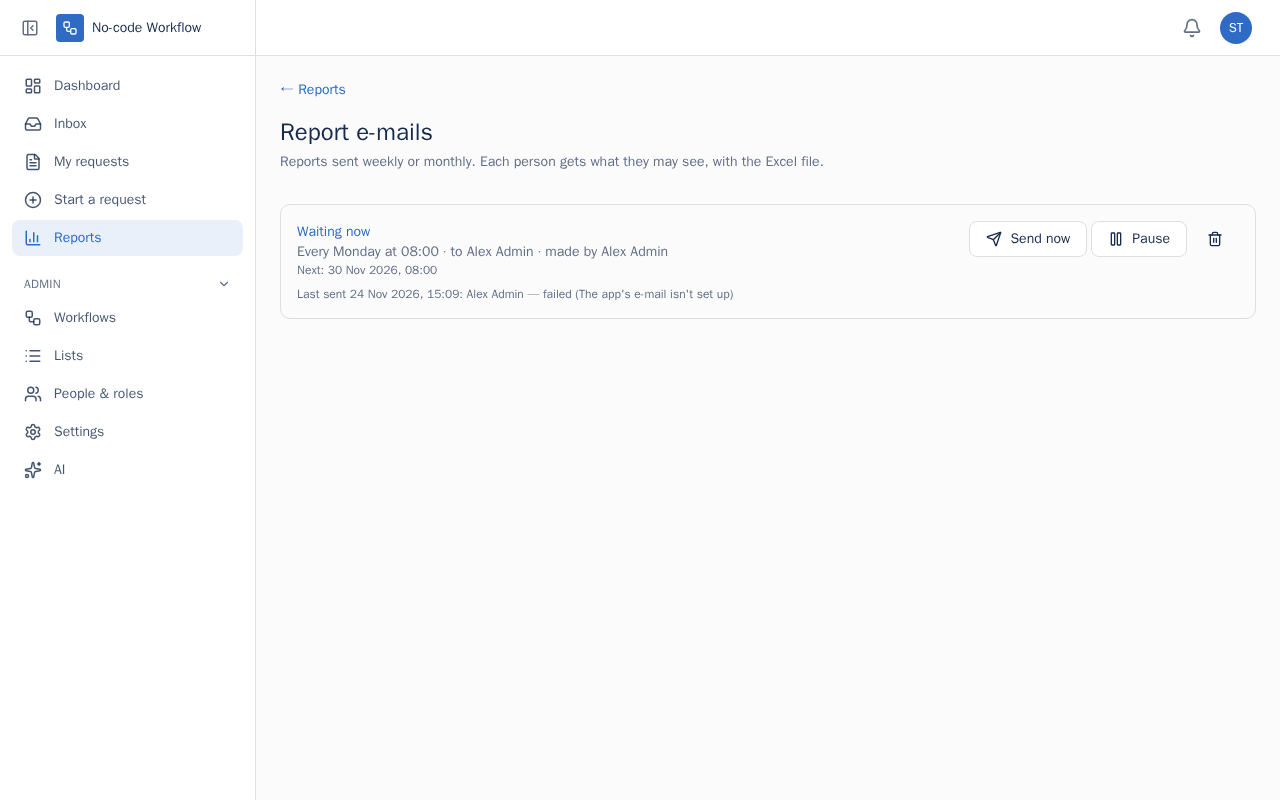
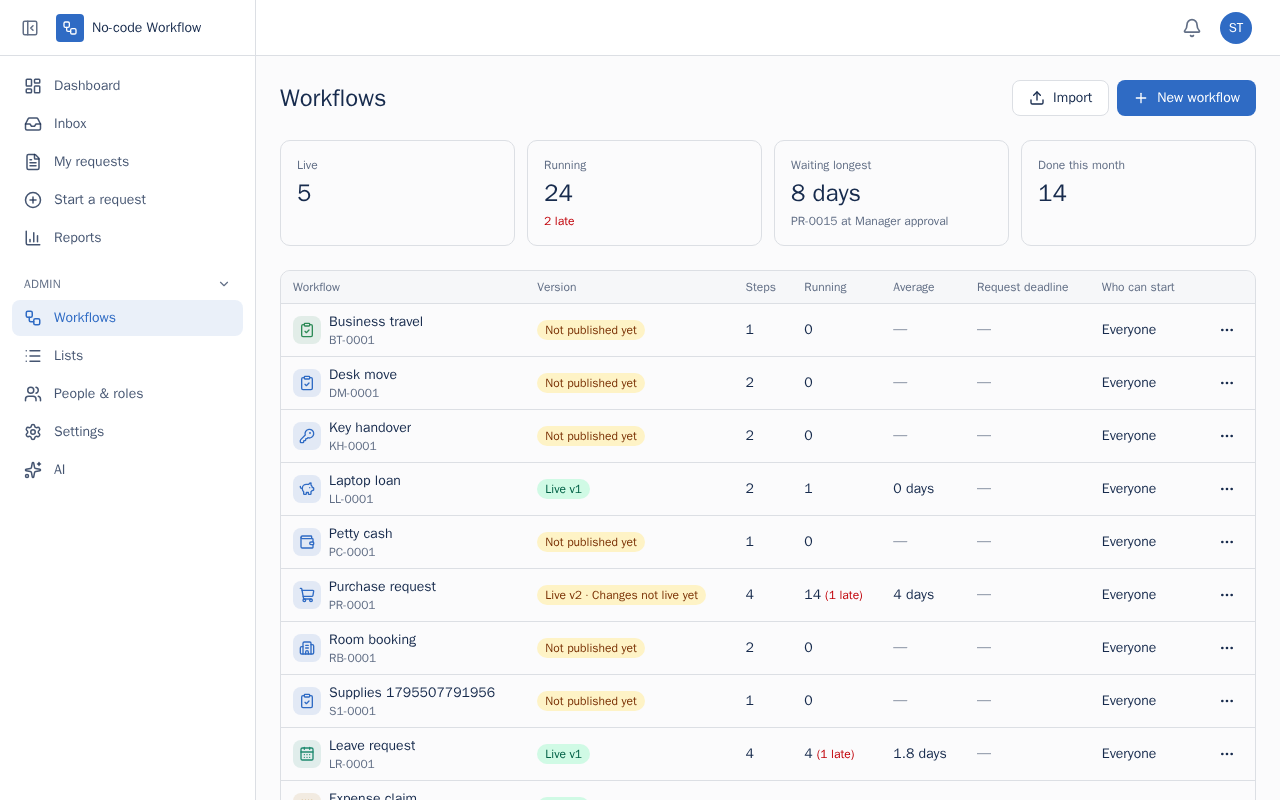
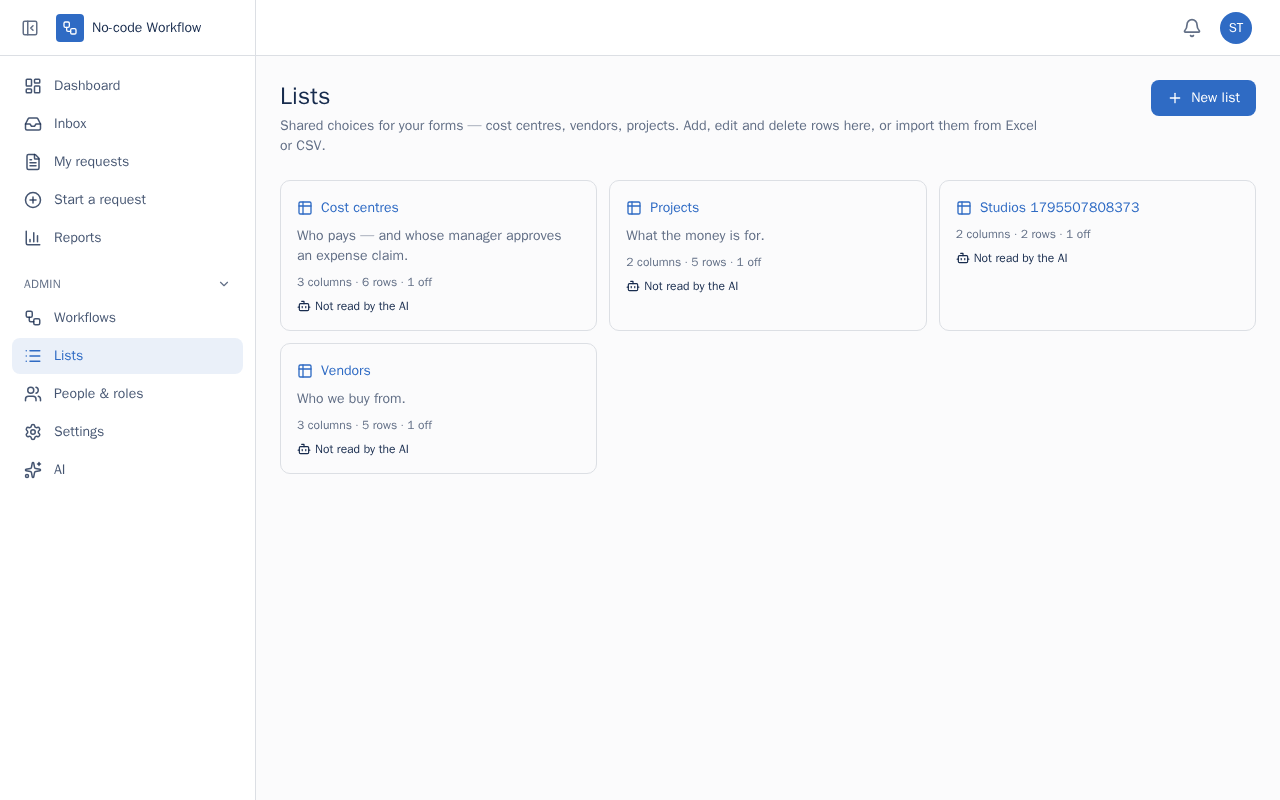
An app in which the people who run a process design its approval workflow themselves — no code — and everyone else sends and decides requests through it. Workflows are drawn as steps on a canvas, each button a path to the next step: a form, an approval by the requester's manager, a role, a named person or someone picked in the form, a task, or a decision on the answers. Each step has its own form with tabs and sections and many kinds of fields — money, dates, choices, tables of items, people, lists such as cost centres, files and signatures — with checks written as sentences, values worked out by formulas, and fields only some roles see or that are kept sensitive. Who sees what is set per step and checked on the server; Try & publish walks a change through before it goes live, and requests already running keep the version they started on. People see what waits for them in the Inbox, take a role's work, approve several at once, and decide on a phone. Every step has its own emails and a deadline in working days, with reminders, telling the manager and pressing a button when it runs late; the bell shows every notice, and work goes to a backup person while someone is away. A dashboard shows what started, finished, waits longest and is late; reports — spend by cost centre or vendor, on-time rates, what waits with whom now, and more — export to Excel or CSV without sensitive fields and can be e-mailed weekly or monthly; each request prints as a one-page PDF with every decision and signature and a check code. An AI assistant helps where you switch it on, part by part and workflow by workflow: describe a workflow in a sentence or photograph a paper form and get a draft to check, fill a request from a quotation, check a request before it is sent, give each approver a short summary, and ask jaAI about totals, approval times and what is stuck — it never approves, rejects or moves a request.
The people who run a process build its approval workflow themselves, step by step on a canvas, with no code. Everyone else sends requests and decides them through it. It covers forms, approvals, deadlines, reminders, reports and a printable record of every decision. An optional AI assistant drafts and summarises but never approves or rejects.
Good for
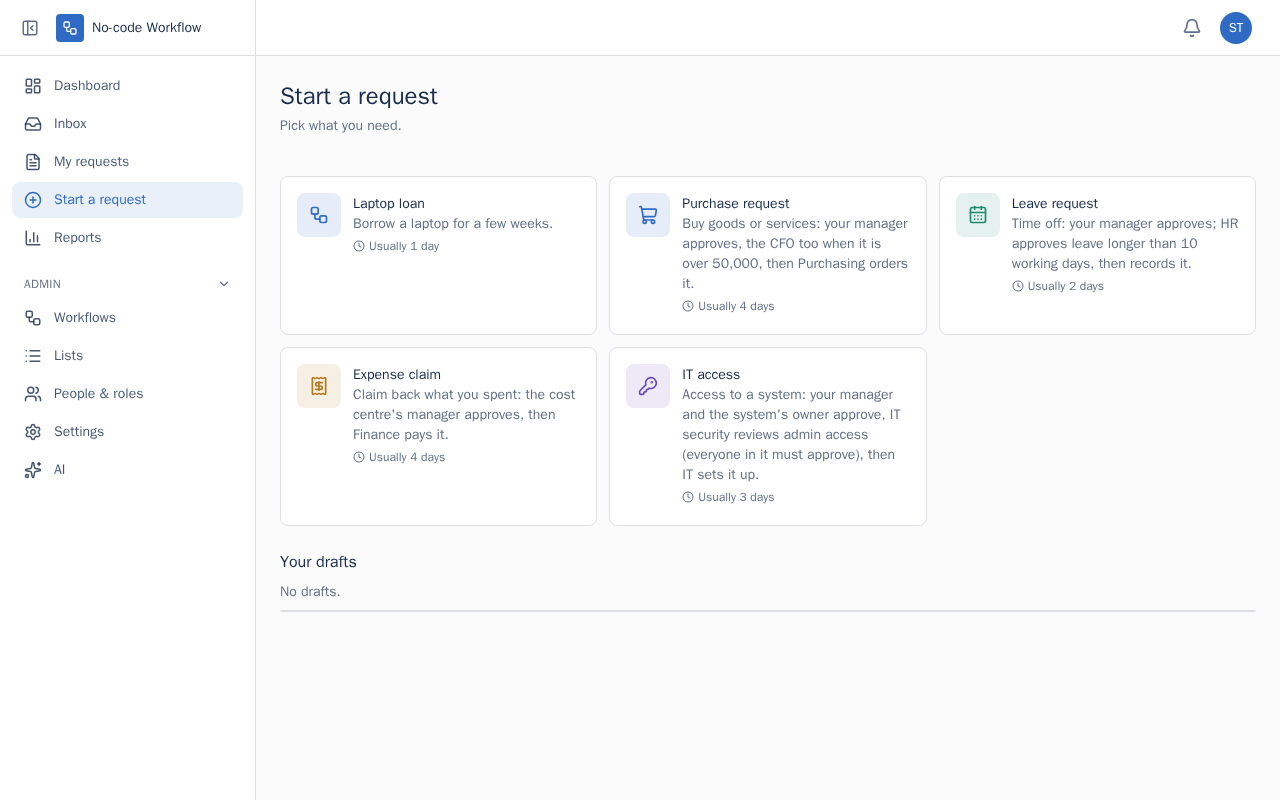
- Purchase requests
- Leave requests
- Expense claims
- IT access requests
- Spend reports by cost centre
- Asset returns
What it does
- Draw workflows as steps on a canvas, each button leading to the next step
- Approval by the requester's manager, a role, a named person, or someone picked in the form
- Forms with tabs, sections and many field types: money, dates, tables, people, lists, files, signatures
- Checks written as sentences, formulas, and fields hidden from some roles or kept sensitive
- Try and publish a change first; running requests keep the version they started on
- Inbox, bell notices, step emails, deadlines in working days, reminders, and backup people when away
- Dashboard and reports with Excel or CSV export, e-mailed weekly or monthly
- One-page PDF per request with every decision, signature and a check code
Who uses it
Workflow designers
Draw workflows, build forms, set who sees what, emails and deadlines, then try and publish
Requesters
Start requests, follow them and add comments
Approvers
Work from the Inbox, approve several at once, decide on a phone
Managers
Watch the dashboard, read reports and set up e-mailed reports
Admins
Manage lists, people and roles, working days and holidays, and AI settings
HR
Look after people and roles
What's new in 1.3.0
- Now “No-code Workflow & AI Assistant” — every AI part is off until you switch it on in Settings › AI, for whom you choose and workflow by workflow
- Describe a workflow in a sentence, in any of eight languages, or photograph a paper form (or upload a Word file or PDF) — the form and steps come as a draft to…
- Fill a request from a quotation, invoice or receipt: filled fields stay marked until you check them, and Undo puts the form back
- Before you send: missing files, a limit and the extra step it triggers, a look-alike request, and whether the amount matches the attachment — it never blocks
- A short summary beside each request for its approver and in the e-mail, with what is worth a look — never a recommendation
Questions
Can I try it before paying?
Yes. A new organization gets 30 free AI credits — no card required. Create the app, look around its sample data, and choose a plan only when you want to keep it running.
Can I change it?
Yes. Describe a change in your own words — a field, a step, a report — and JaMake shows you the change before it goes live. You apply it when you are happy.
Can I download the code?
No — JaMake runs, backs up and updates it for you. Your data can always be exported to Excel or CSV.