Sales CRM & AI Assistant
JaMake· Made by JaMake
Capture leads from your website, LINE and Telegram, track deals with next steps, send quotes customers accept online, and forecast sales against targets.
SalesCRMQuotesLeads
- Version
- 1.0.3
- Ready in
- ~3 min
- AI credits to create
- 20
- Languages
- 8
New organizations get 30 free AI credits — enough to create this app.
About this template
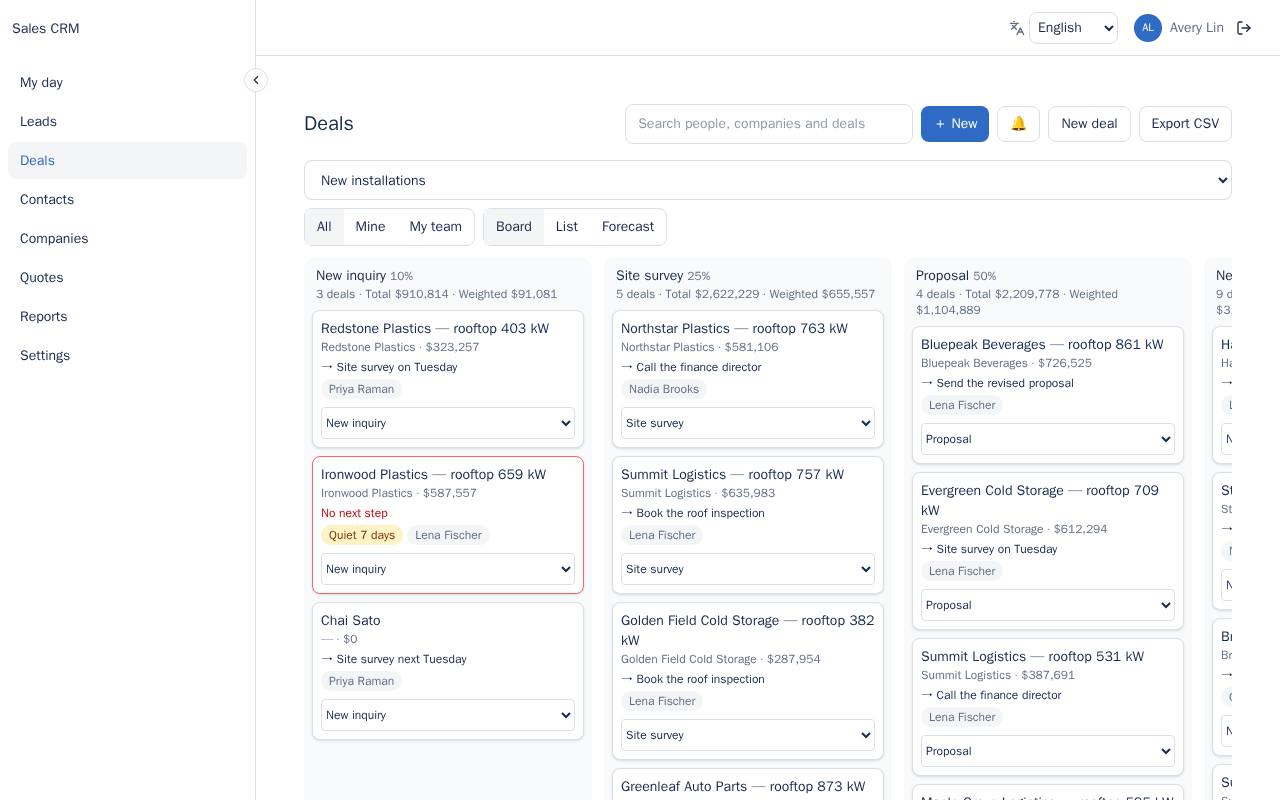
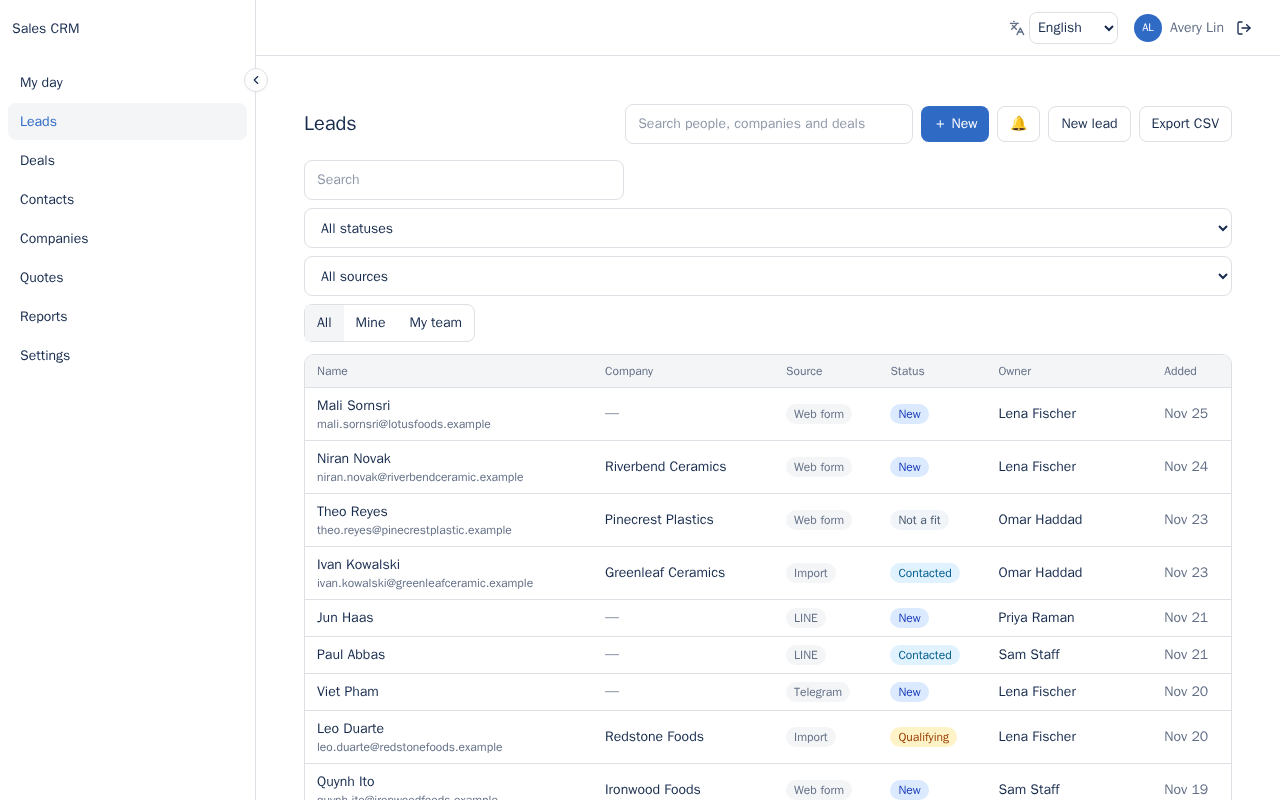
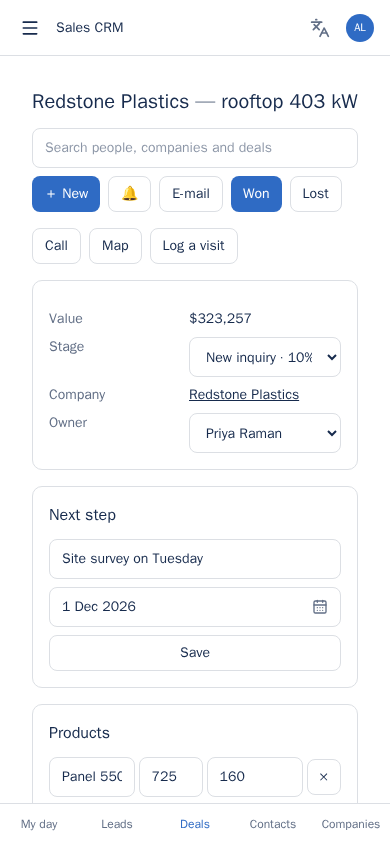
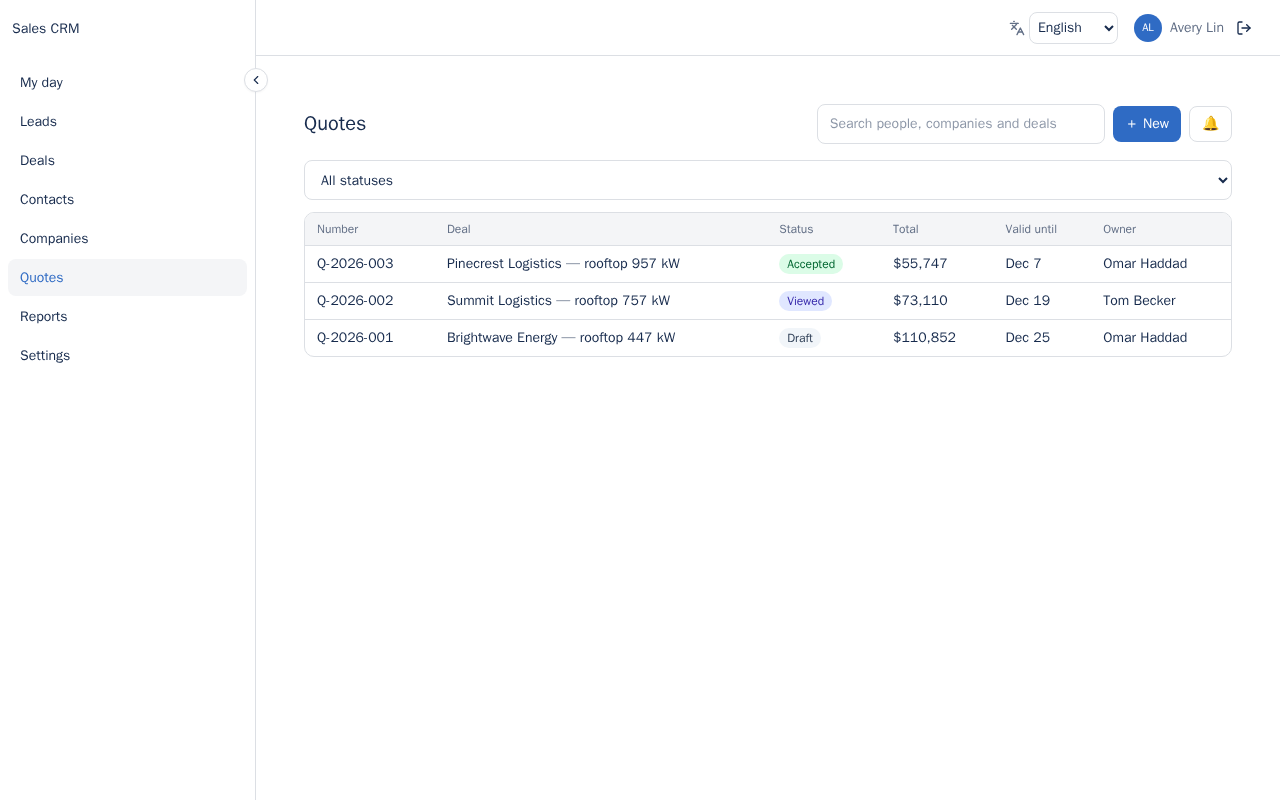
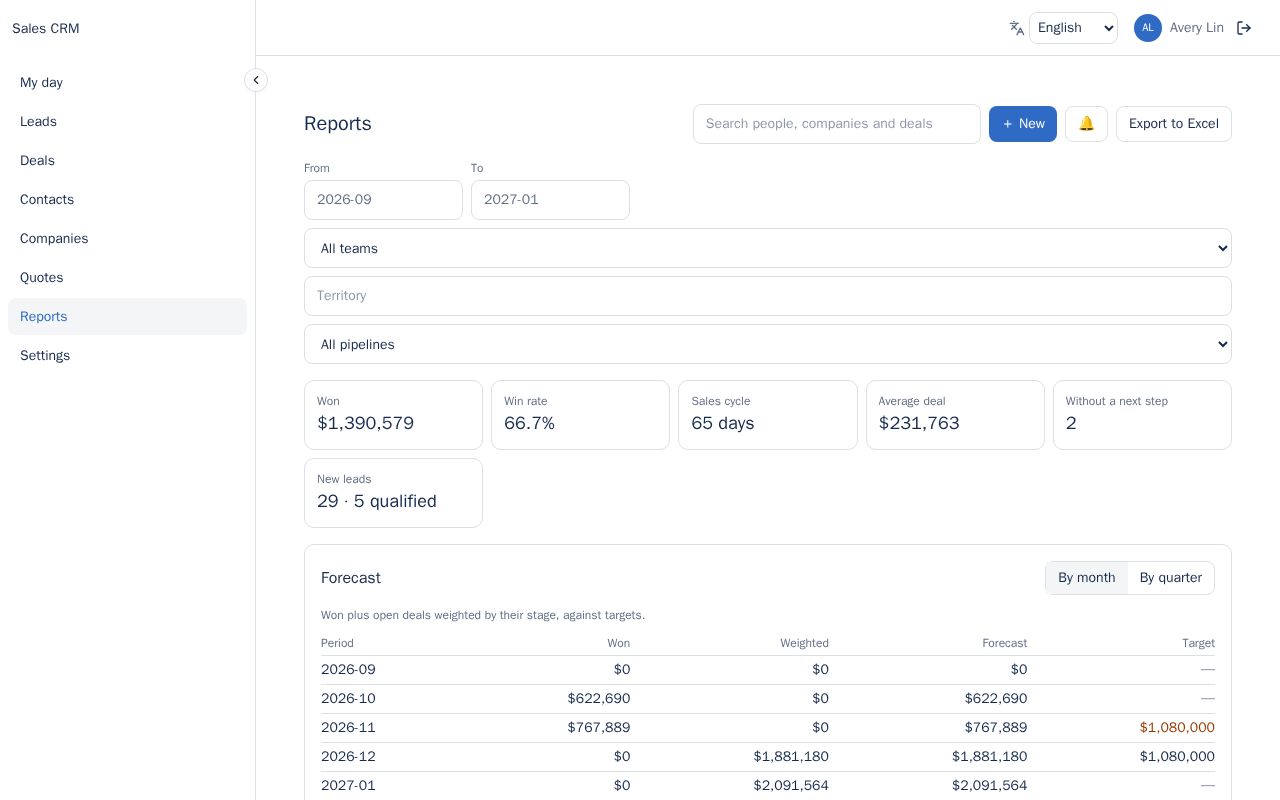
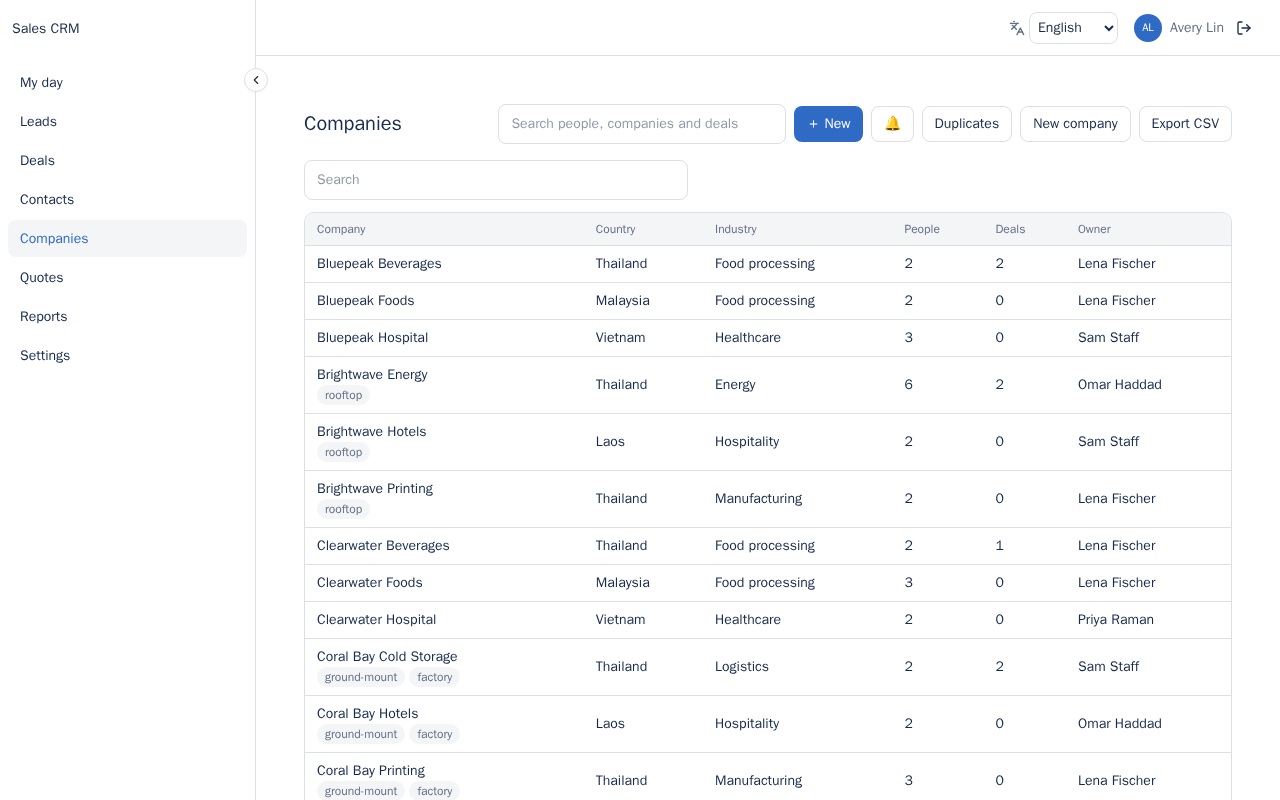
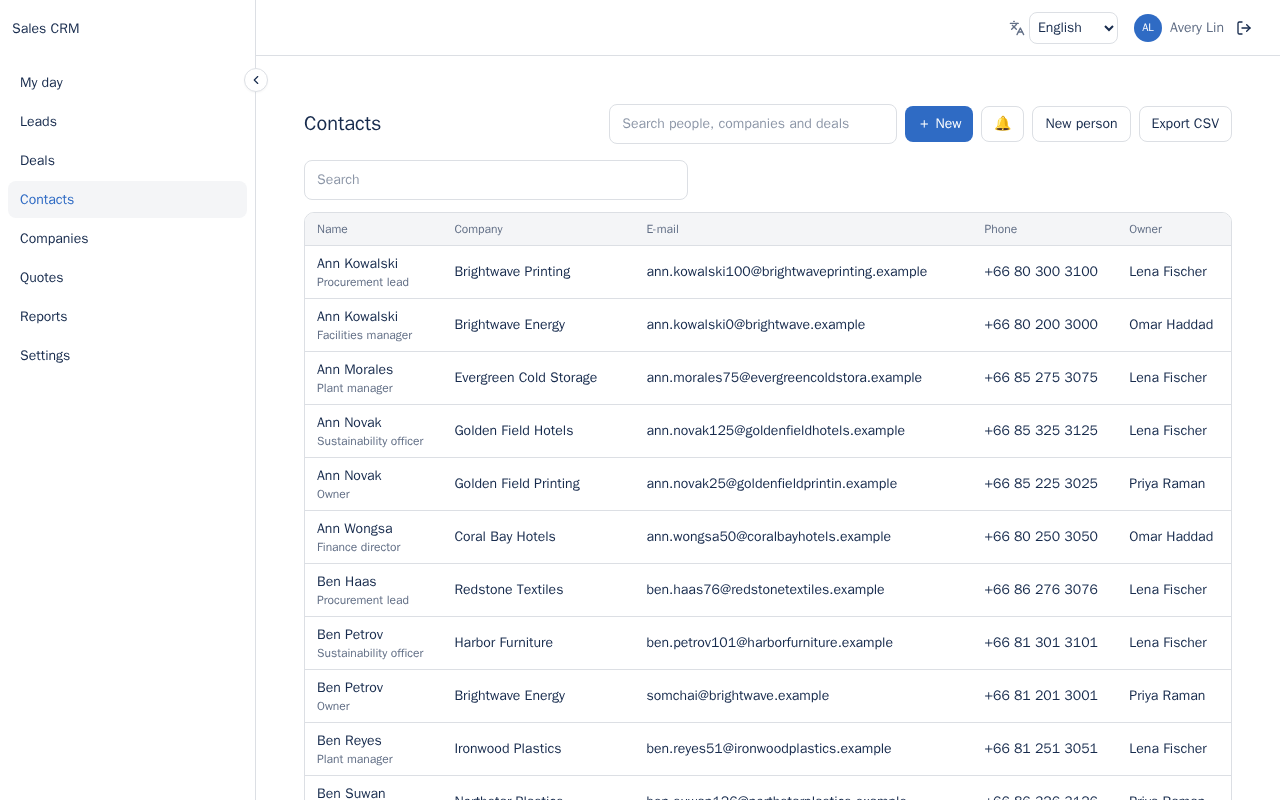
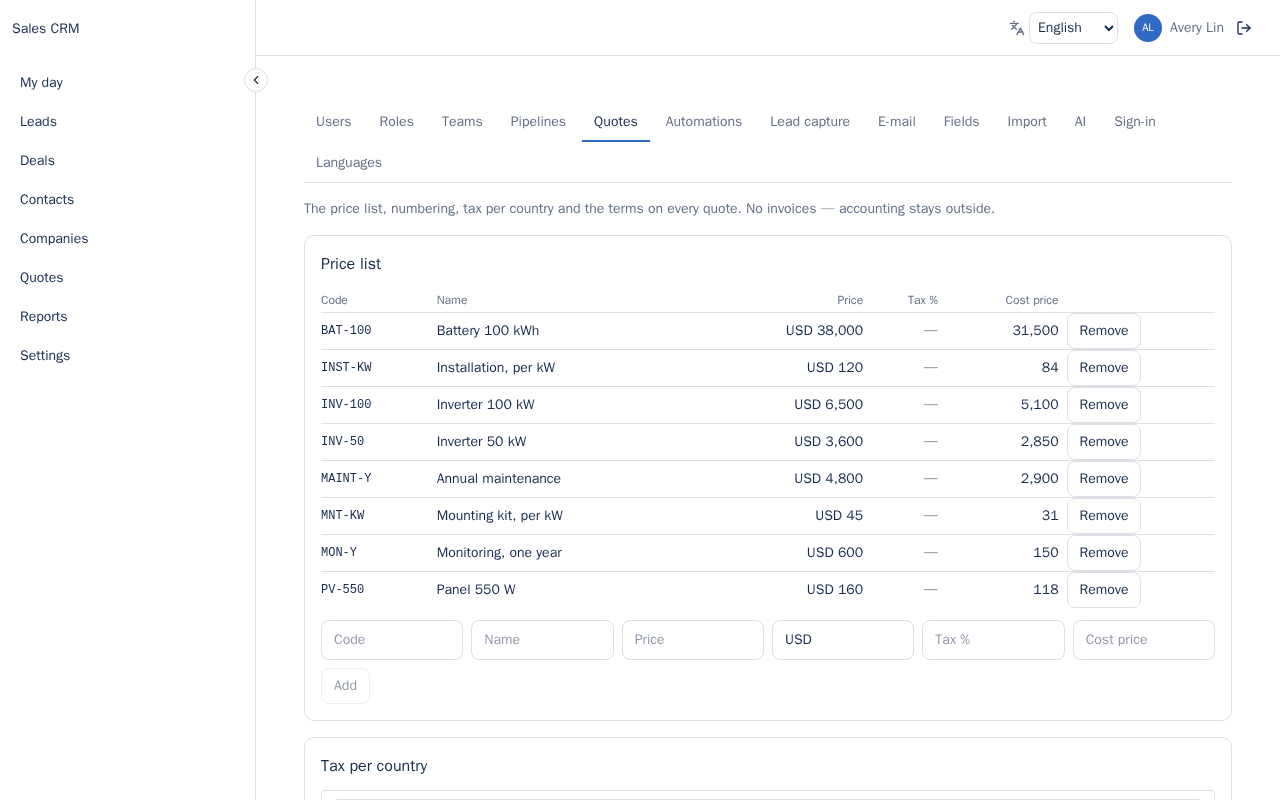
A sales CRM a small team uses as it comes and a mid-size company grows into, without adding anything. Leads arrive from your website's form, LINE, Telegram and Excel or CSV imports, each sent to the team whose territory matches and shared by turns. Deals move through your pipelines on a board you drag, with weighted totals; every open deal has a next step, and a lost one asks why. Quotes from your price list, with line and whole discounts, tax per country and a PDF in the customer's language; the customer accepts online and the deal moves to Won. Discounts over a person's limit wait for their manager's approval, in the app and by e-mail — off until you turn it on. E-mail from any lead, deal, person or company with your templates, sent from the app and saved on every record it concerns. Six ready-made automations: quiet deals, tasks per stage, quote follow-ups, the hand-over when a deal is won, a welcome to new web leads and closing old leads. Reports with the forecast against each person's and team's target, win rate, sales cycle, why deals were lost and won by source, exported to Excel and limited by each person's role. An optional AI assistant, off until an admin turns it on, summarizes a deal, drafts an e-mail, answers from the records you may see and scores leads, each with its credits. Roles decide who sees and does what — their own records, their team's or all — with private fields such as cost price, and the Customer Service app's cases show on companies and people when it shares them. On a phone: call, open the map and log a visit with its next step. Every page speaks eight languages. Not in this template: email campaigns and marketing, invoices and accounting, two-way Gmail/Outlook sync, phone calls (VoIP) and stock.
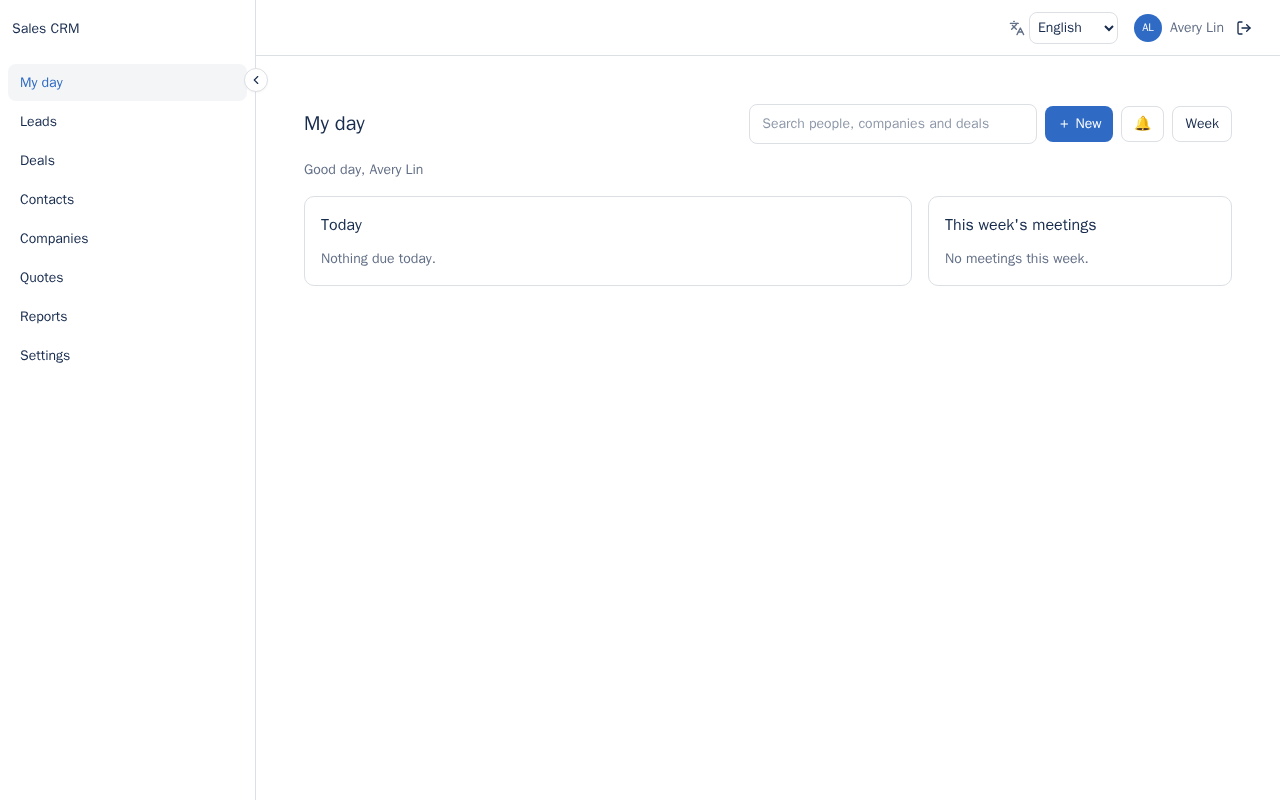
A sales CRM that a small team can use as it comes and a larger company can grow into. Leads come in from a web form, LINE, Telegram or file imports and go to the right team. Deals move across a board, quotes go out to customers, and reports show how you are doing against targets.
Good for
- Lead capture and sharing between teams
- Deal pipelines with next steps
- Quotes with discounts and online acceptance
- Sales forecast against targets
- Customer e-mail saved on each record
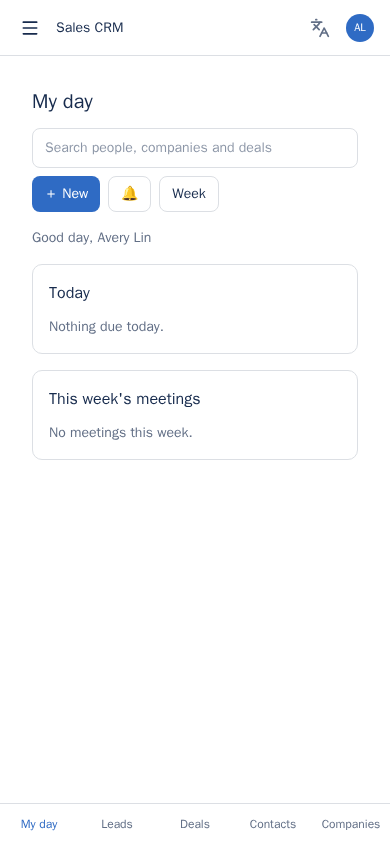
- Field visits from a phone
What it does
- Leads from web form, LINE, Telegram and Excel or CSV, shared by turns within each territory
- Drag-and-drop deal board with weighted totals, and a forecast table
- Every open deal has a next step; lost deals ask why
- Quotes from your price list with discounts, tax per country and a PDF in the customer's language
- Customers accept quotes online and the deal moves to Won
- Discounts over a person's limit wait for manager approval (optional)
- E-mail templates sent from the app and saved on each record
- Six ready-made automations, such as quiet-deal alerts and follow-ups
Who uses it
Sales reps
Work leads and deals, send quotes and e-mails, and log visits and tasks
Sales managers
Follow their team's deals, approve big discounts and check targets
Head of sales
Reviews forecasts and reports, and sets up automations and teams
Admins
Invite users, set roles, taxes, price list, e-mail, AI and lead capture
Viewers
Look at deals, companies and reports without changing anything
What's new in 1.0.3
- The store's texts fit without being cut short — nothing in the app changes
- Quotes in Japanese and Chinese print their characters, with Noto Sans JP embedded in the PDF
- Send on a quote saves your changes first, so the customer always gets what the screen shows
- Ask about your deals knows today's date and reads deals as a clean table — "closing this month" now finds them
- Draft with AI greets the person by their first name and proposes a subject
Questions
Can I try it before paying?
Yes. A new organization gets 30 free AI credits — no card required. Create the app, look around its sample data, and choose a plan only when you want to keep it running.
Can I change it?
Yes. Describe a change in your own words — a field, a step, a report — and JaMake shows you the change before it goes live. You apply it when you are happy.
Can I download the code?
No — JaMake runs, backs up and updates it for you. Your data can always be exported to Excel or CSV.