Builder's Guide · Getting started
Sign up and start your free trial
2 min read ·
You sign in to JaMake with a Jasava account — the same account as JaWork. When you sign up, you also create your organization: the company or team your apps belong to. A new organization gets welcome credits for its free trial, and no card is needed.
Create your account
- Go to jamake.app and press Start free. The Create your JaMake account page opens.
- Type Your name and Work email, then press Continue. Or press Sign up with Google.
- The Jasava account opens. Set your password, confirm your e-mail and name your organization there.
- You come back to JaMake, on the Dashboard.
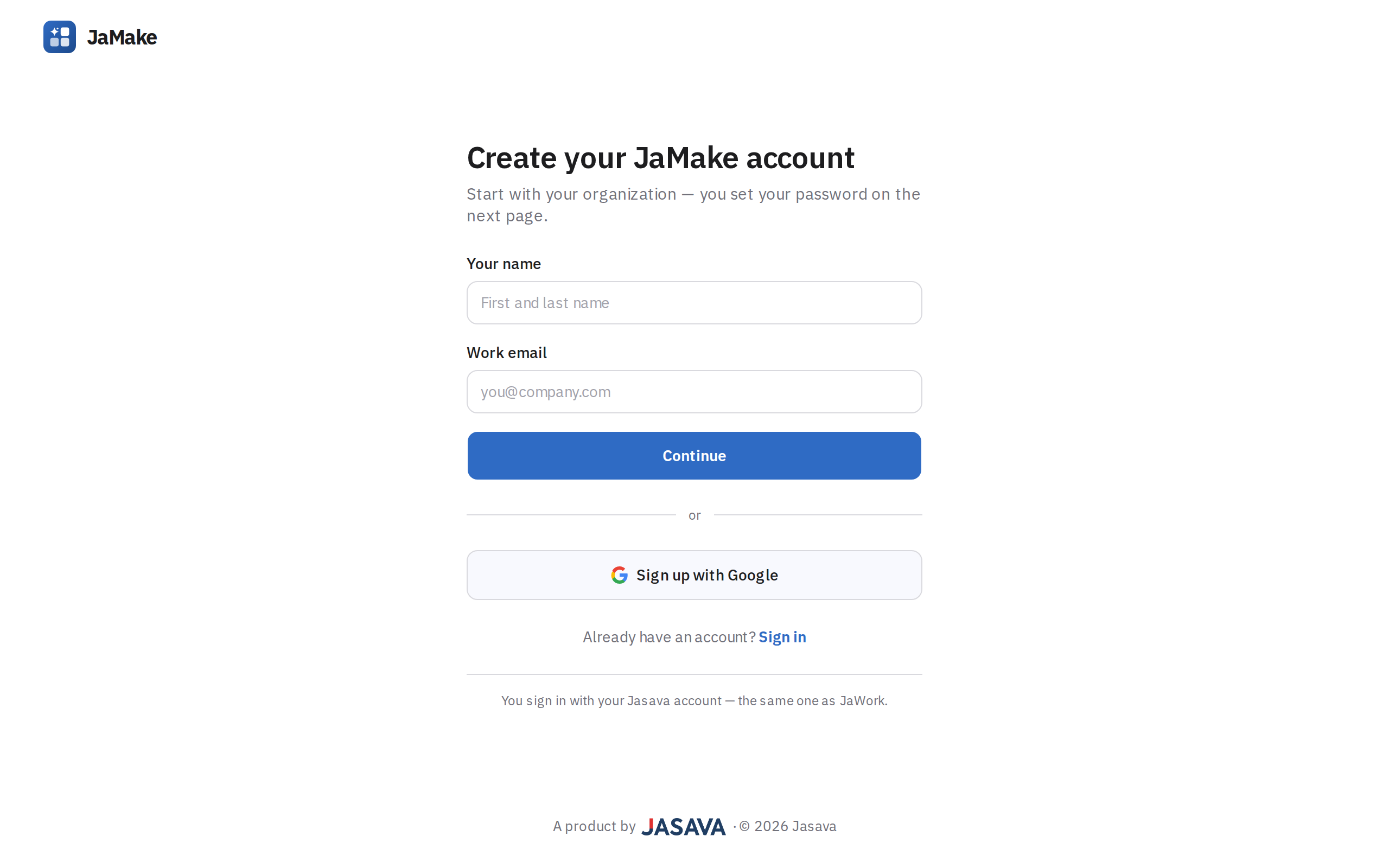
The person who creates the organization is its owner, and the owner is always a JaMake Admin. See Members and roles.
Your free trial
A new organization gets welcome credits once: 30 AI credits and 9 Server credits. Creating an app from a template takes 20 AI credits, and what is left goes on your first changes. The Server credits run your app for its first days.
- Your welcome credits run one live app.
- The trial has no end date. It lasts until the credits run out; then you choose a plan to keep going. See Plans, live apps and extra credits.
- Welcome credits are given once for each e-mail address, so a second organization made by the same person starts without them.
Tip: Started from a template’s page on jamake.app? After you sign up, JaMake opens that template in the App store, ready to create.
Sign in later
- Go to jamake.app and press Sign in.
- Type your Email and press Continue, or press Continue with Google.
- Type your password on the Jasava account’s page.
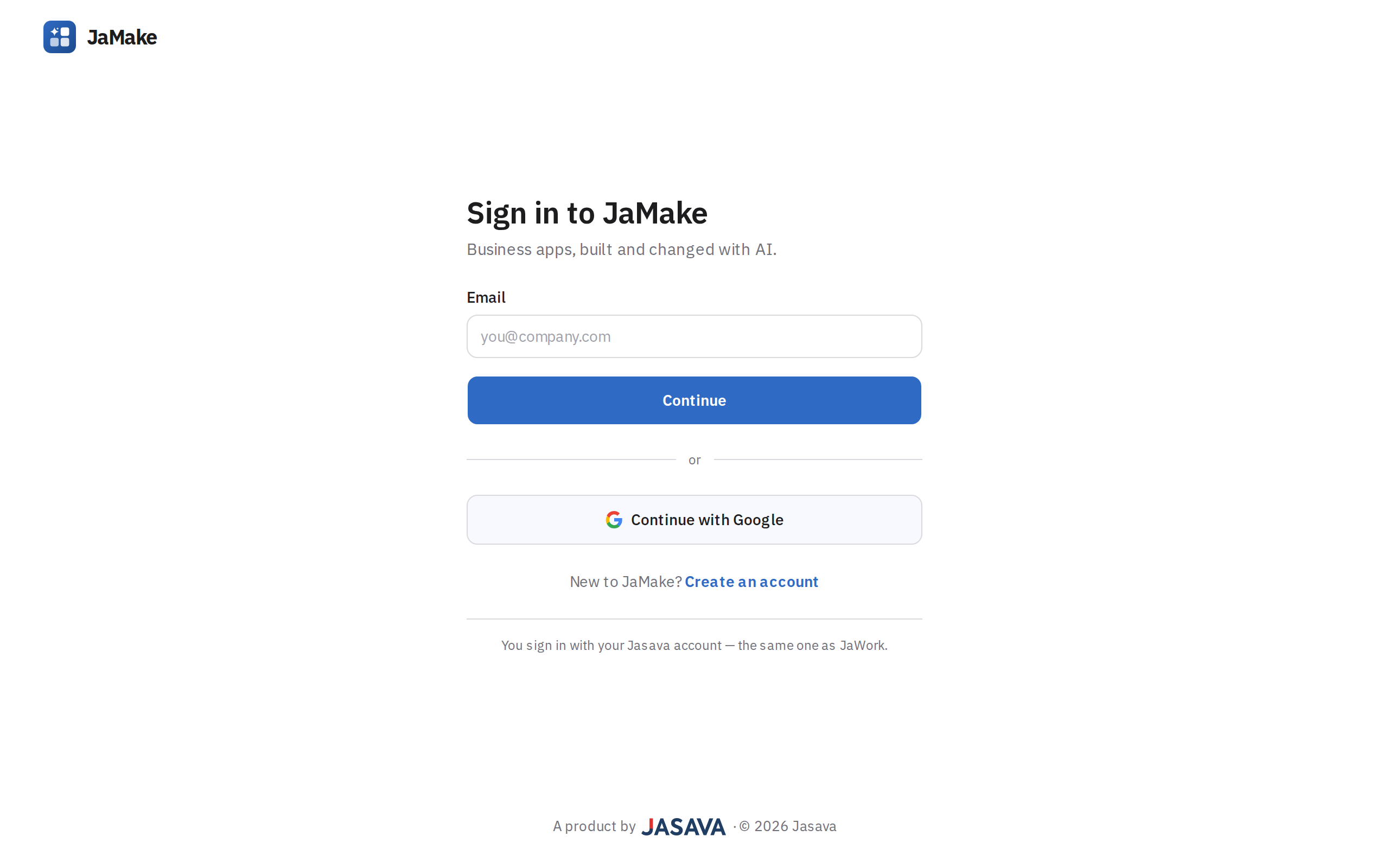
If you already have a Jasava account for JaWork, sign in with it. When your organization doesn’t use JaMake yet, JaMake asks an owner or admin to press Turn on JaMake for your organization, and lets anyone else press Request JaMake.
Next: Create your first app.
Was this helpful?
Thank you — it helps us improve the guide.