Builder's Guide · Your organization
Your data: where it lives, backups and privacy
2 min read ·
Your apps’ data is yours. Each app keeps it in its own database that only that app can reach, on JaMake’s servers.
Backups
- Every live app’s data is backed up every day, and again before every change is applied and before sample data is cleared. If that backup can’t be made, the change isn’t applied.
- To get data back from a backup, write to us from Contact; JaMake puts it back for you.
- Going back to an earlier version changes only the code; the data stays as it is. See Versions and going back.
Look at an app’s data
In the app’s Changes screen, the app’s admins can open the ⋯ menu and choose Data to look at the live data, read only. People’s details are hidden there. To change data, use the app itself.
Take your data with you
You export data from inside your app: most templates have Export to Excel and Export to CSV on their lists and tables. You can’t download an app’s code: JaMake runs it, backs it up and keeps it up to date for you.
Share data with your other apps
An app can let other apps in your organization read some of its data — for example a dashboard app reading your requests. Nothing is shared until you tick it.
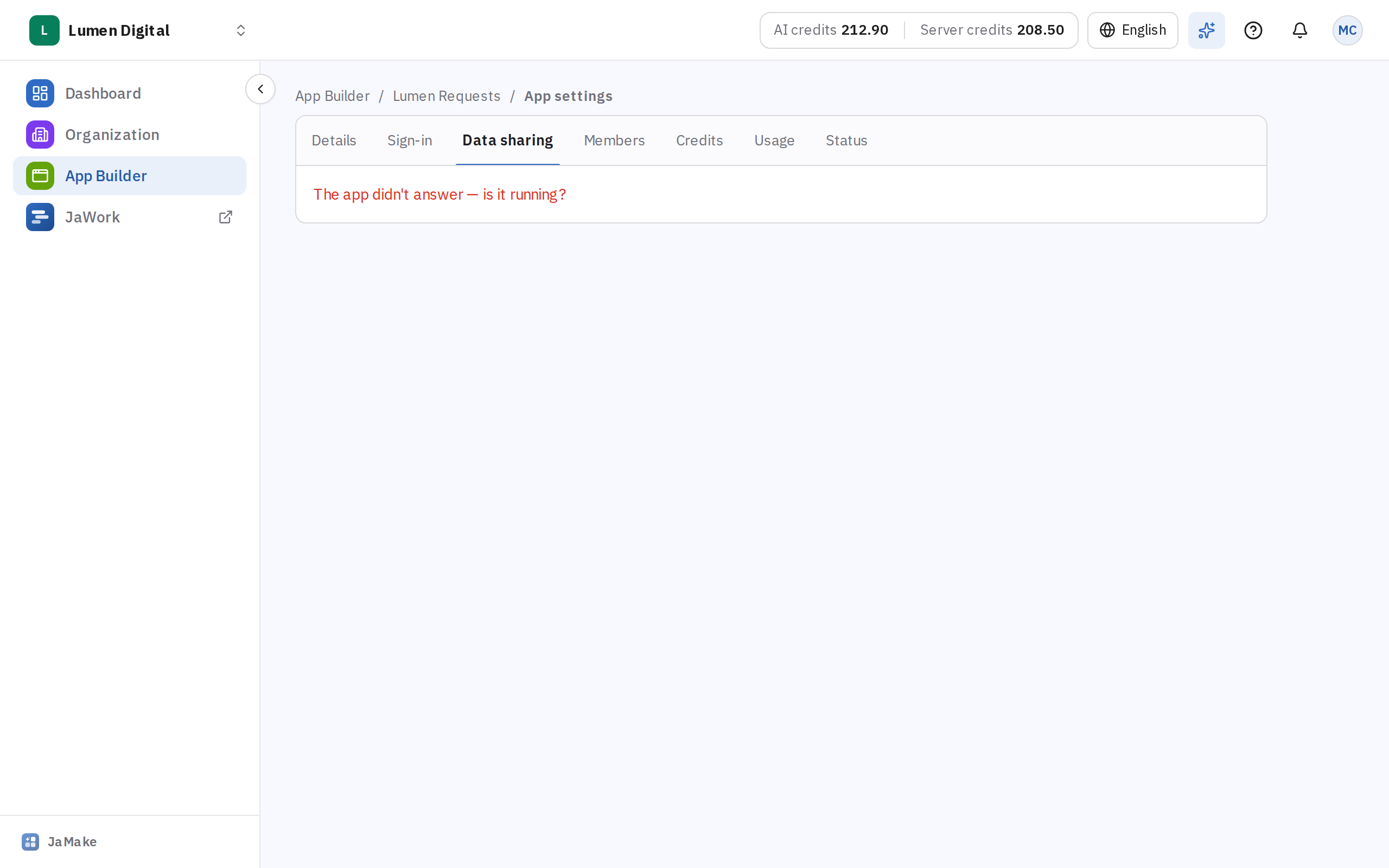
- Open App settings and the Data sharing tab.
- Tick a dataset to share it, and choose its Columns. Columns that look like people’s details stay locked until someone presses Unlock.
- Apps reading this data lists who reads it; Stop and Resume turn each one off and on.
Shared data is read only, and never leaves your organization.
Privacy
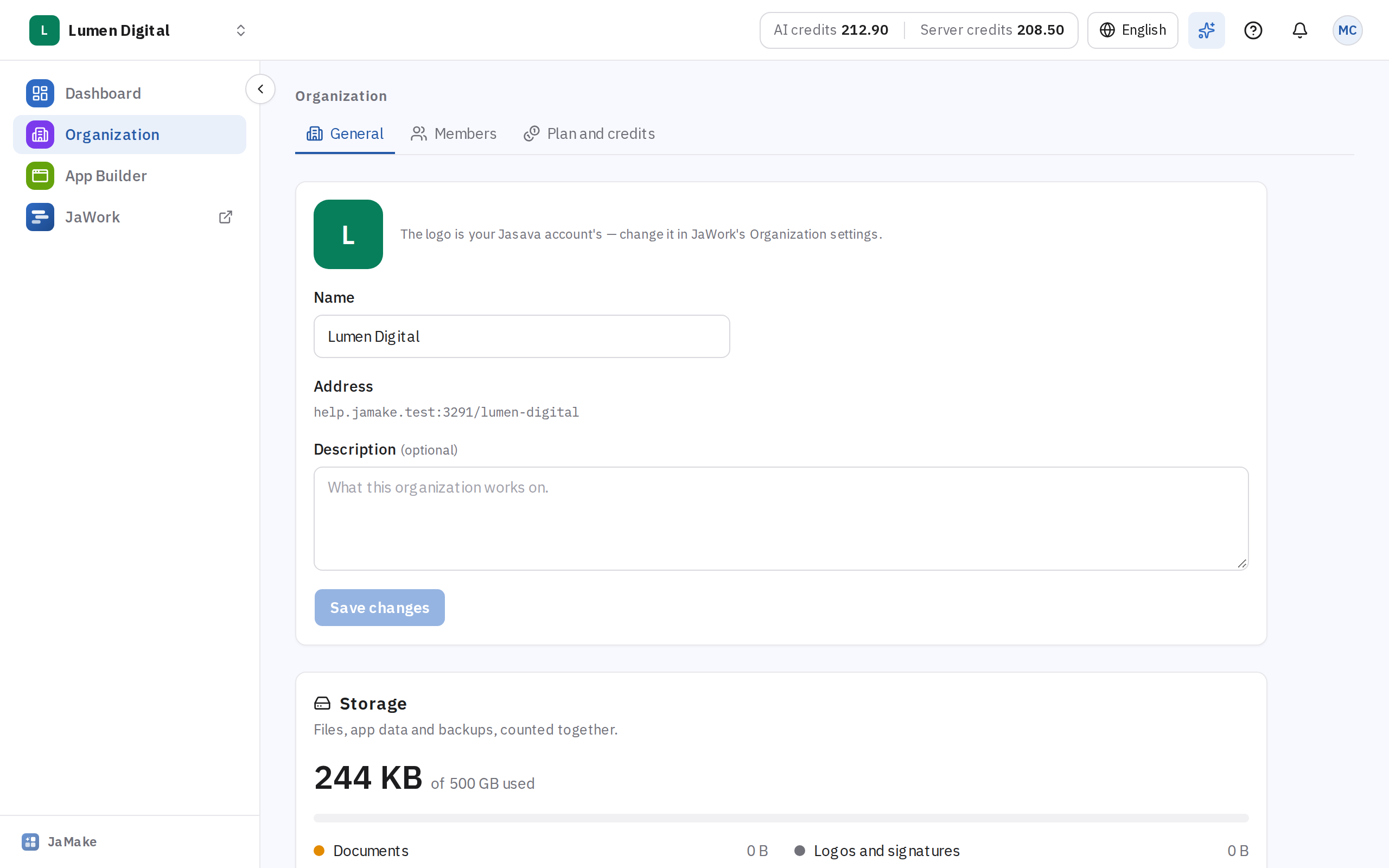
On Organization › General, JaMake Admins have the Privacy switch: whether JaMake’s team may see topics and summaries of what your people ask jaAI and App Builder. Turning it off deletes the summaries already written.
Delete an app
The ⋯ menu’s Delete app deletes the app, its data and its code for good: type the app’s name to confirm. Unpublish takes it offline and keeps its data for a while; Stop app keeps everything. Deleting can’t be undone.
Tip: Before deleting, export what you want to keep from inside the app.
Was this helpful?
Thank you — it helps us improve the guide.