Builder's Guide · Your organization
Paying for JaMake
2 min read ·
Your organization pays for JaMake by card, once a month, for its plan — and for any extra credits it buys. Only JaMake Admins can pay, change the plan or buy credits. Prices are in US dollars; today’s are on Pricing.
Your plan and payments
- Open Organization, then the Plan and credits tab.
- The Your plan card shows the plan, its price, when it renews, the card it is paid with, and your Live apps.
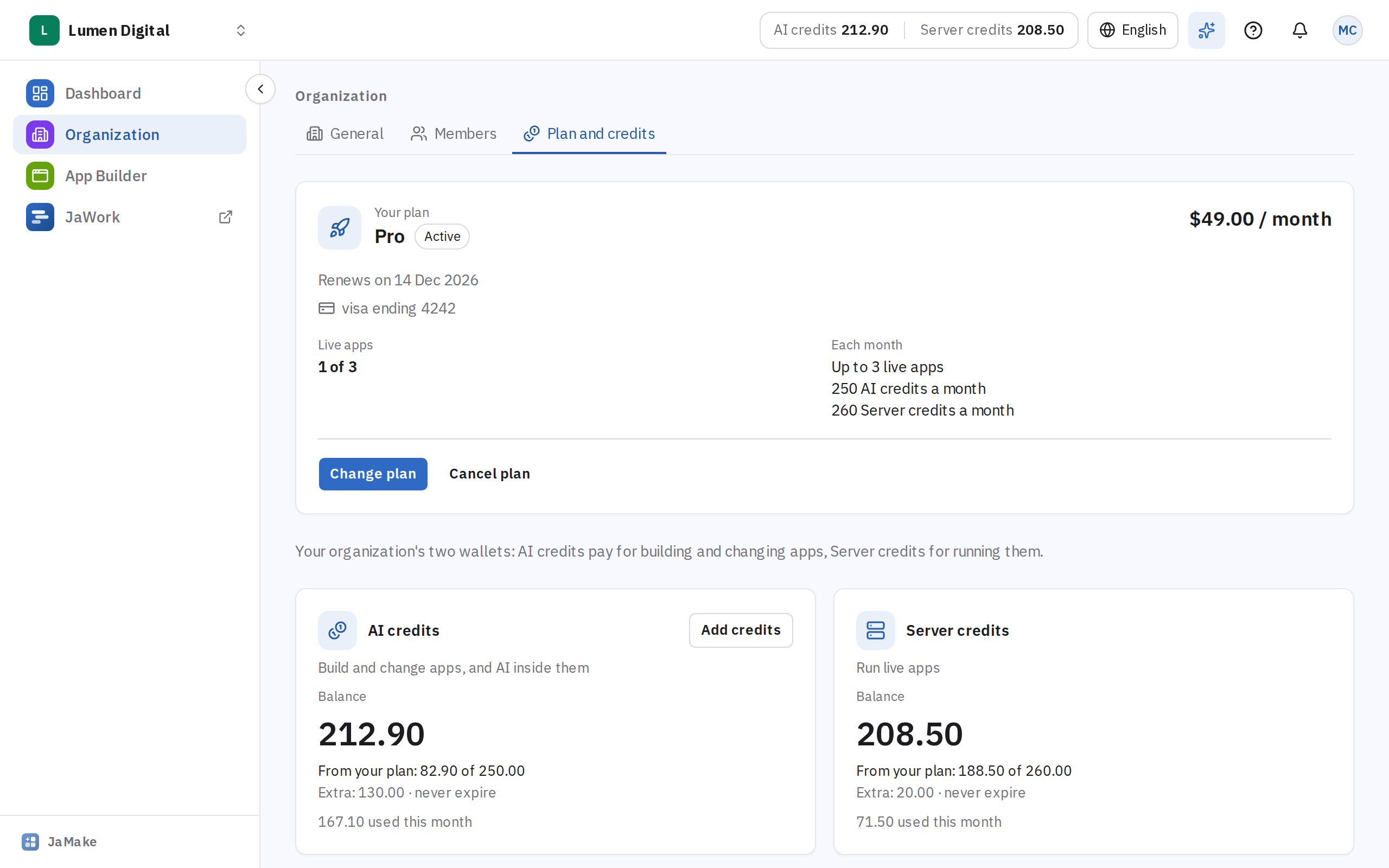
- Choose a plan — your first plan is paid on a secure payment page, where you enter the card. See Plans, live apps and extra credits.
- Change plan — a bigger plan starts now and you pay for the days left; a smaller one starts on the next billing day.
- Cancel plan — the plan ends at the end of the billing month, and your live apps pause then. Resume undoes it until that day.
- Add credits — extra credits are charged to the same saved card.
If a payment fails, the card shows Payment failed and the card is tried again — see When credits or a payment run out. A plan arranged with Jasava says Your plan is managed by Jasava — ask Jasava to change it.
Statements
Further down Plan and credits, Statement shows a month of your credits: the balances, what was added and what was used. Pick a month and press Download PDF or Download Excel. Statements are for JaMake Admins.
JaMake itself has no list of invoices and no place to change the saved card. For an invoice or a new card, write to us from Contact.
Your organization’s details
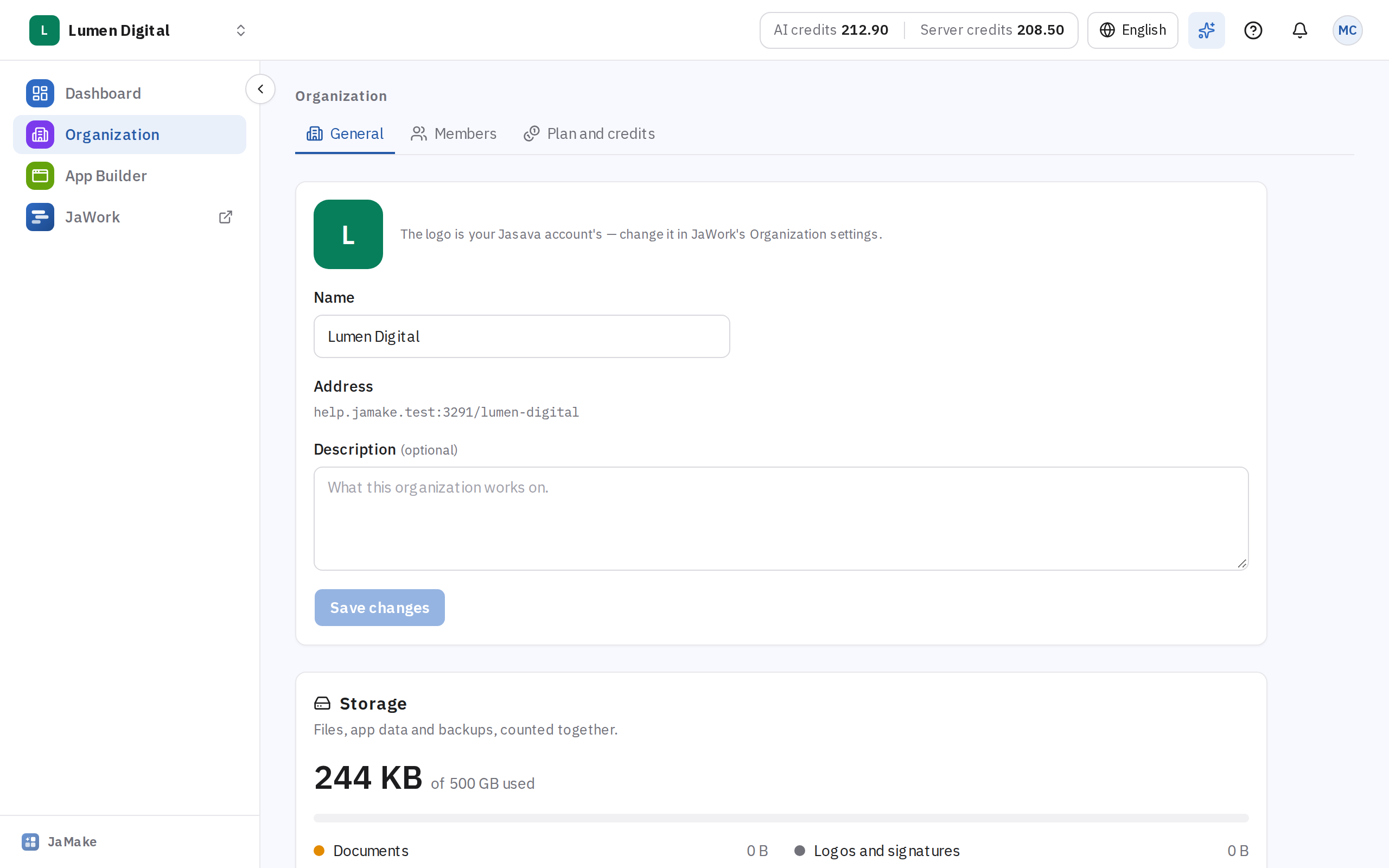
The General tab has your organization’s name and description, the storage your apps use, and its privacy setting. Admins edit them and press Save changes.
Tip: People who use your apps never pay — there are no seats.
Was this helpful?
Thank you — it helps us improve the guide.