Builder's Guide · Your app
A template's new version
1 min read ·
JaMake keeps its templates up to date. When a new version of your app’s template is released, JaMake writes the upgrade as a change in your app, ready to build. Your own changes are kept.
Where you see it
- Your app’s card in App Builder says the template’s new version is waiting.
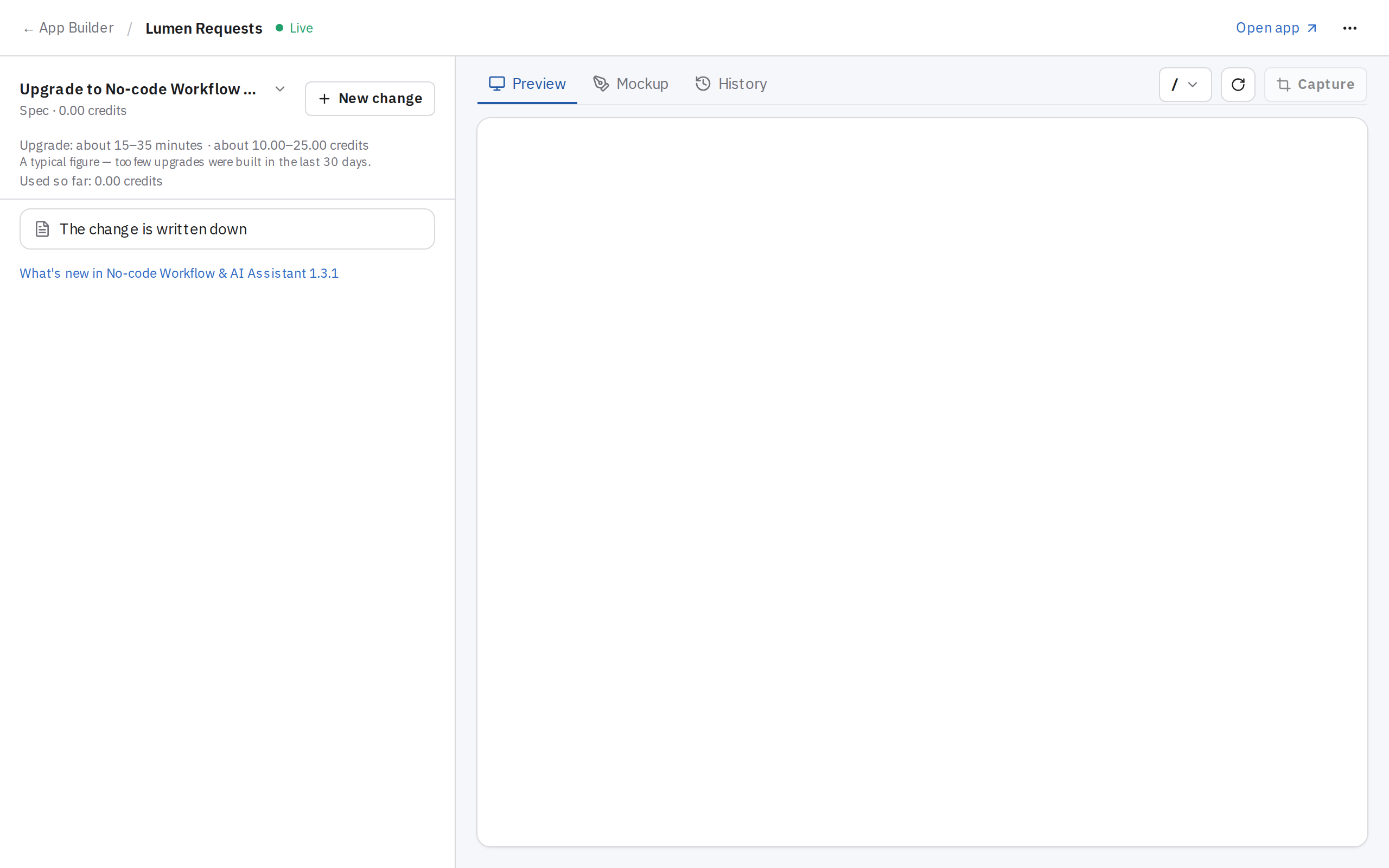
- In the Changes screen, the upgrade appears as a change marked Written by JaMake, with what’s new in that version.
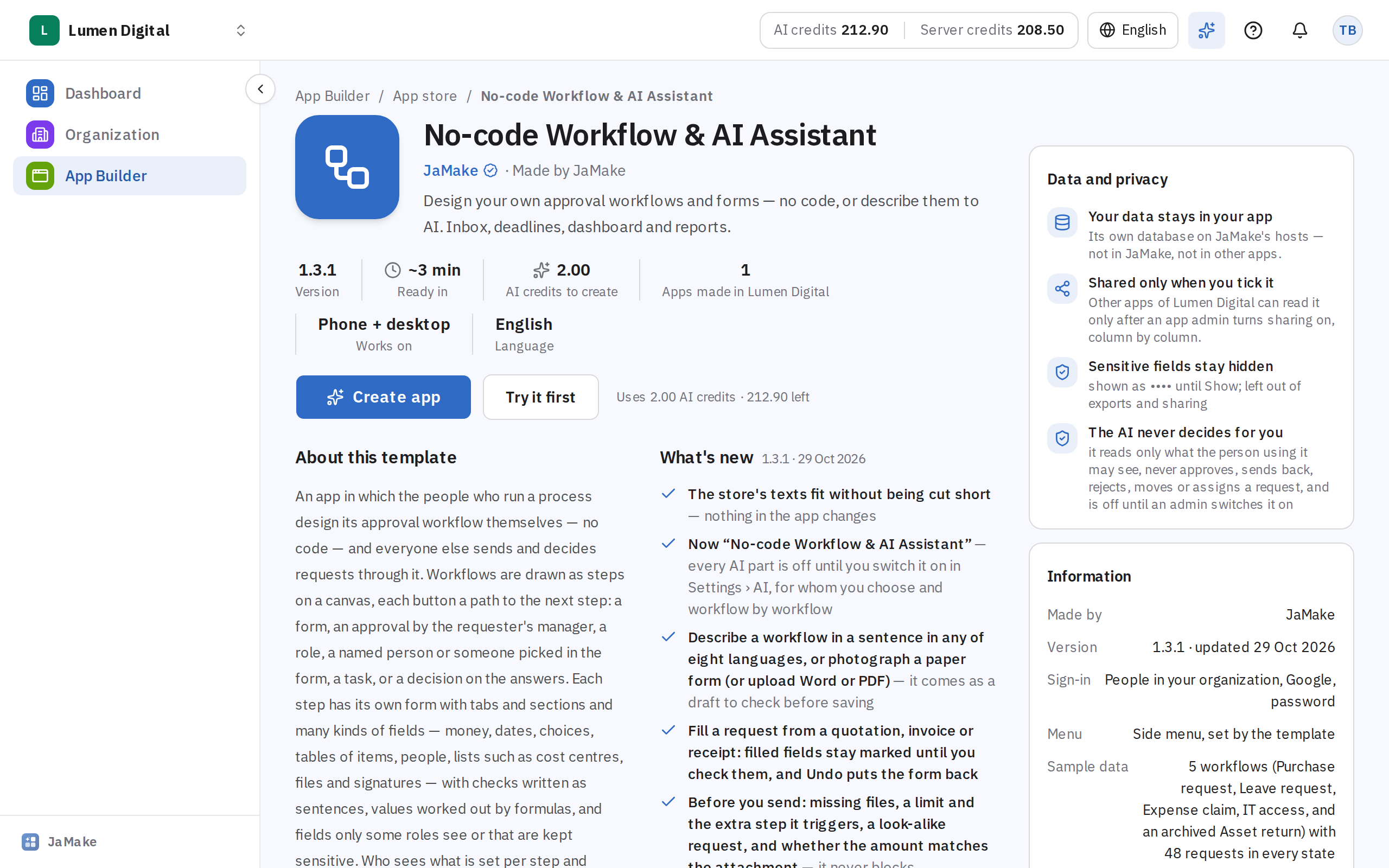
The template’s page in the App store has What’s new for the latest version and Earlier versions for the ones before.
Upgrade the app
- Open the change. Where the new version and your own changes touch the same thing, JaMake asks you, one question at a time: Keep mine, Take the template’s, or Both where both can stand. An app admin answers.
- When every question is answered, an app admin presses Build now. JaMake builds one released version at a time.
- Look at the checks and the pictures, as for any change. Anything that couldn’t come over is listed under Not brought in.
- An app admin presses Apply to the live app, then Back up and apply.
Your pages, fields, menus and settings are kept, and the upgrade only adds to your database. No sample rows are added.
An upgrade uses AI credits like any other change, and is charged only for the steps that pass. If something isn’t right after applying, an app admin can go back — see Versions and going back.
Tip: There is no rush: the upgrade waits in your list until you build it.
Was this helpful?
Thank you — it helps us improve the guide.